2D Layout
Start with the plan
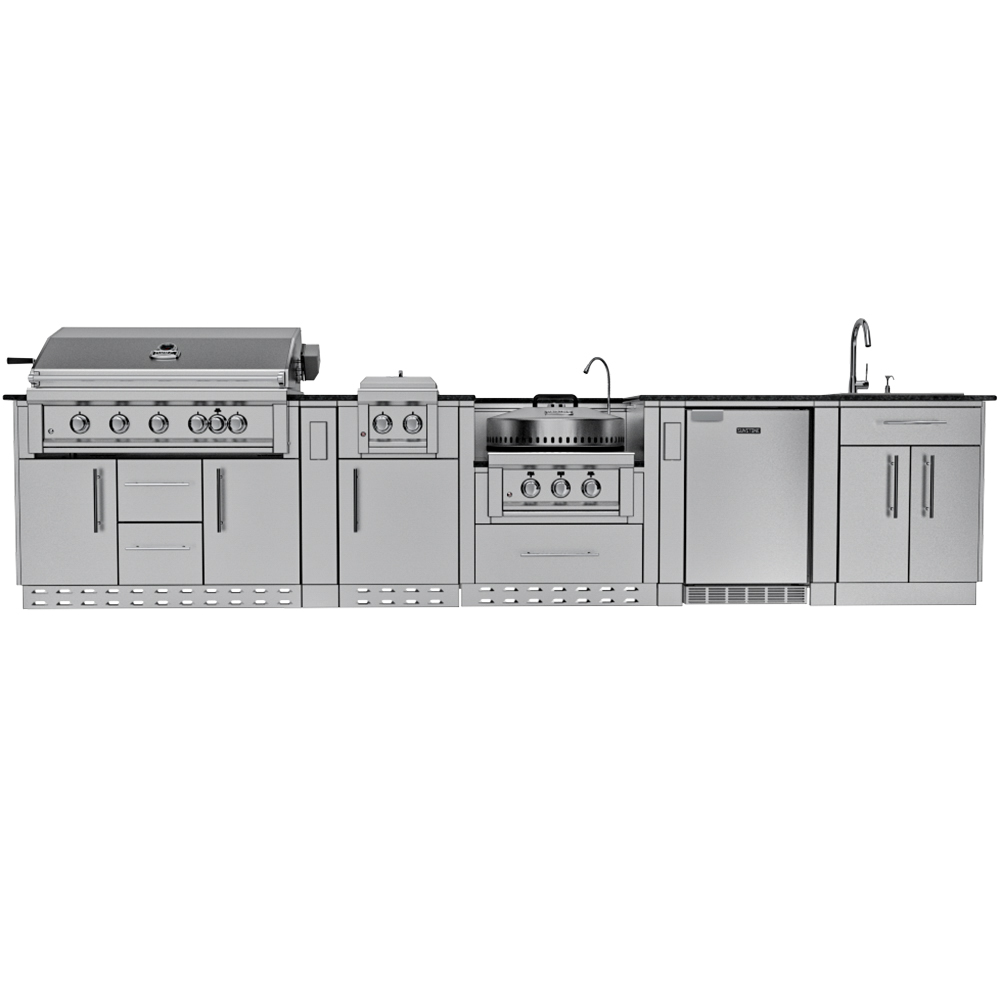
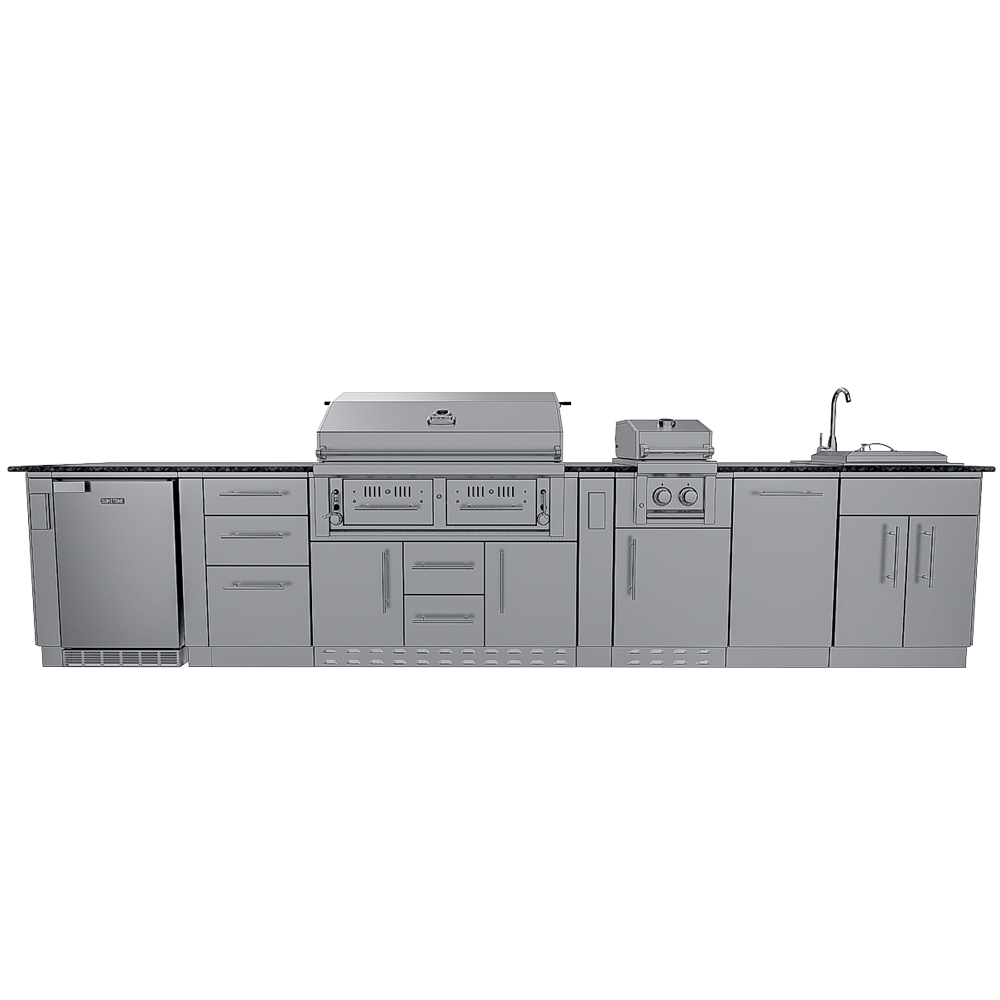
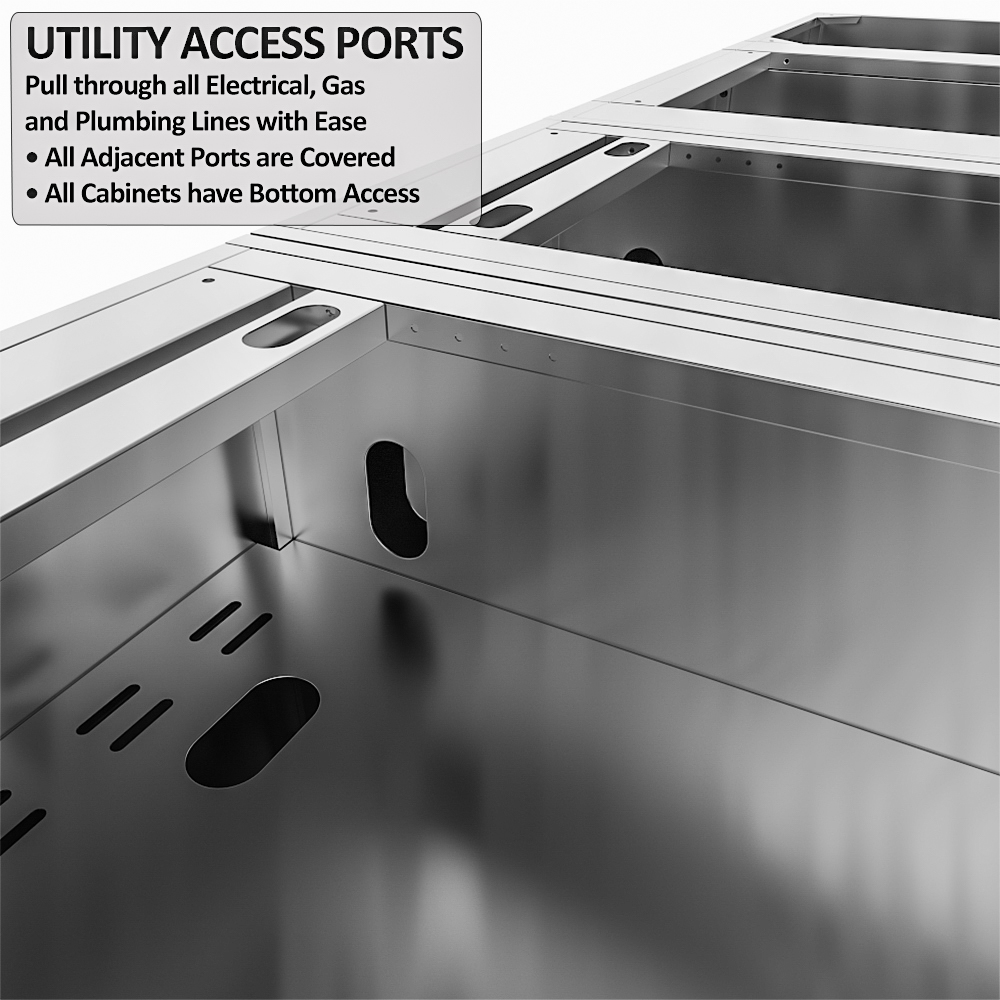
Drag islands, cabinets and appliances onto a measured grid. Every product sits at its real size with its real cut-out, so the plan you draw is the plan you can build.
- Snap to walls and to each other
- Dimensions and clearances as you go
- Starter layouts to begin from
2D ↔ 3D
One design, two views
Switch between the plan and 3D at any time. It's the same design — move something in one view and it's moved in the other.
3D Design
Walk around it before it's built
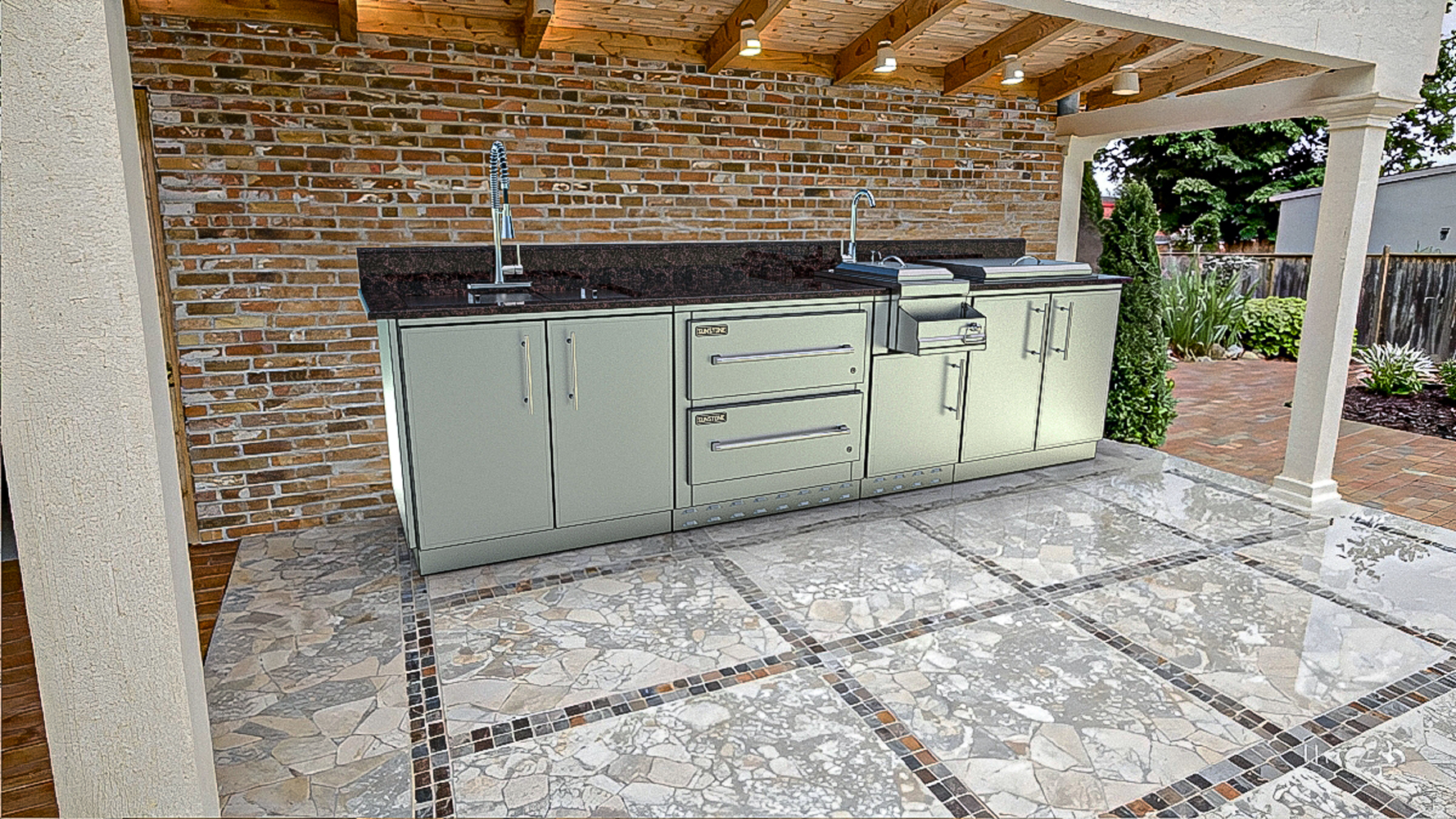
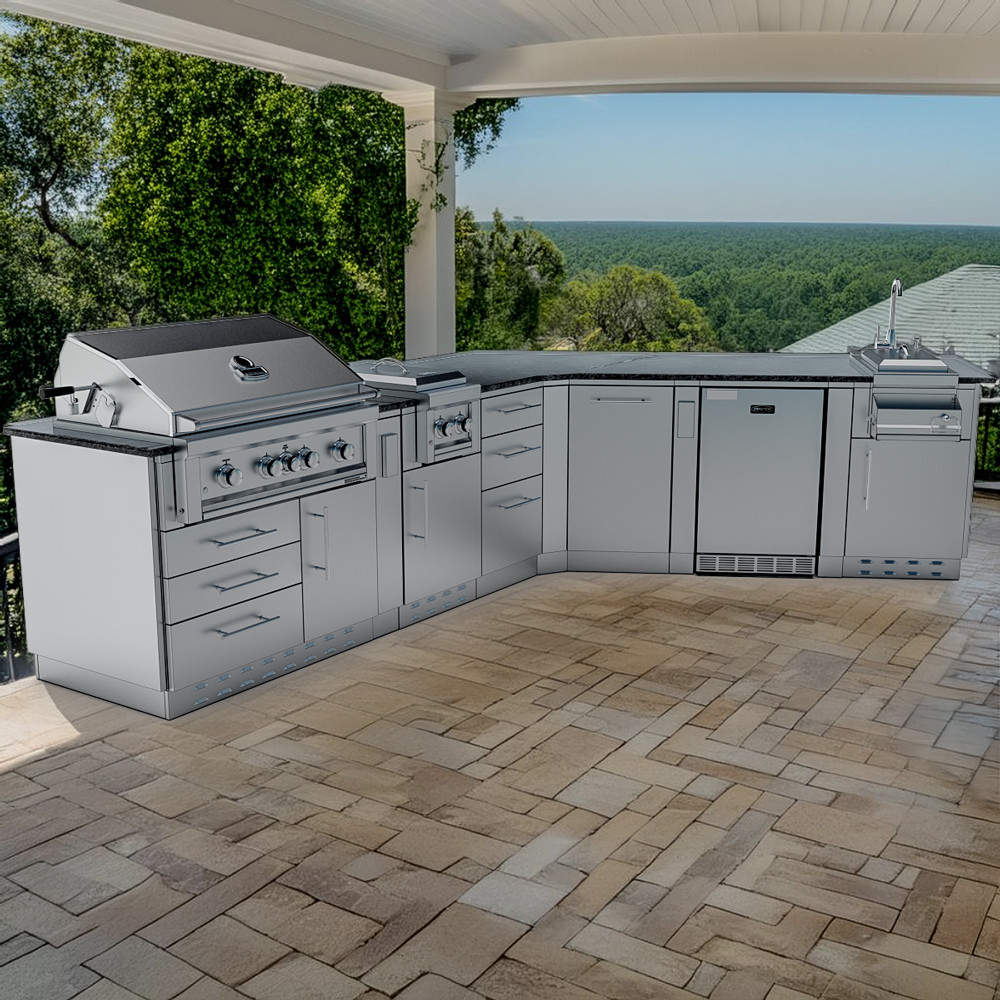
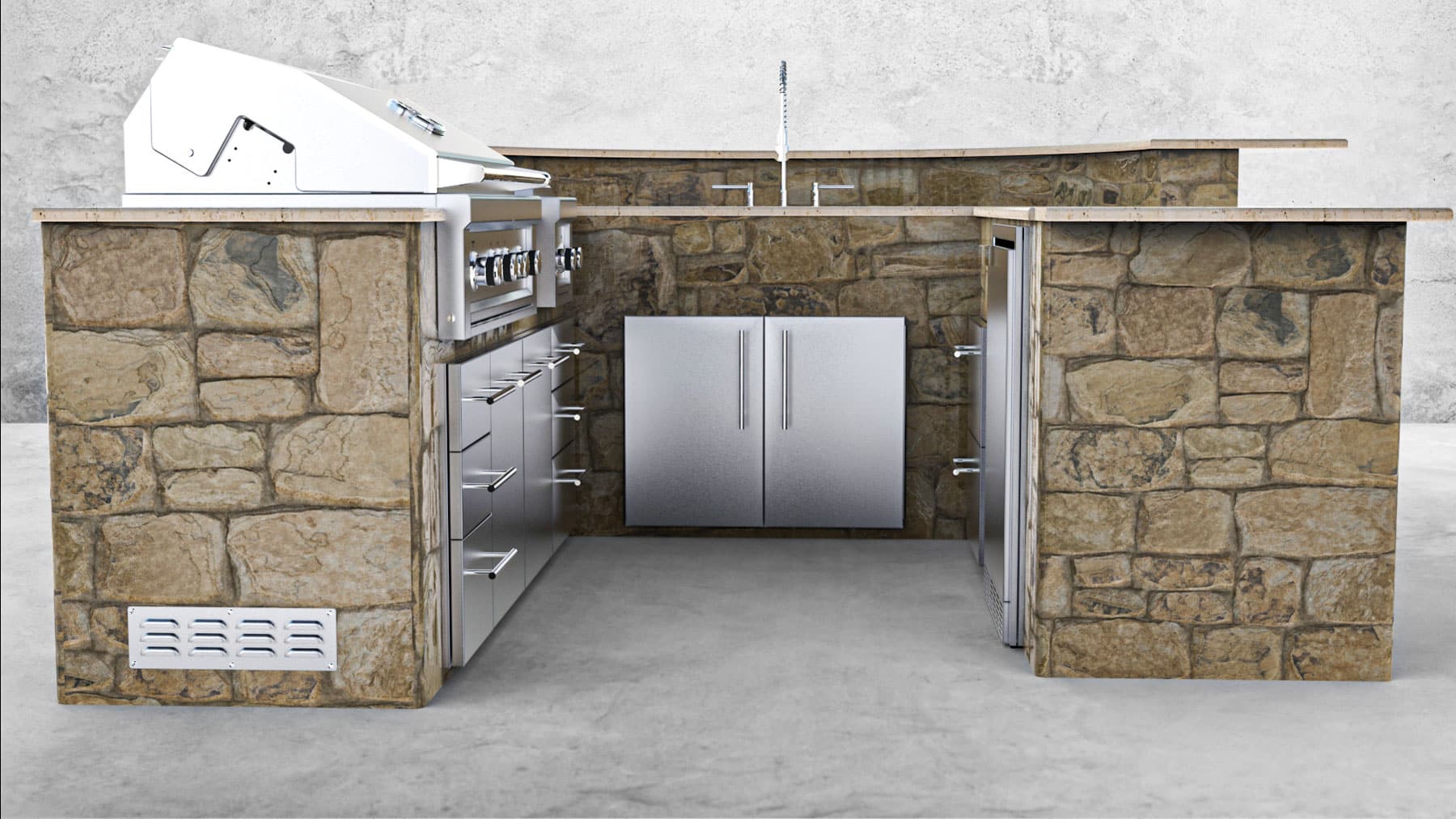
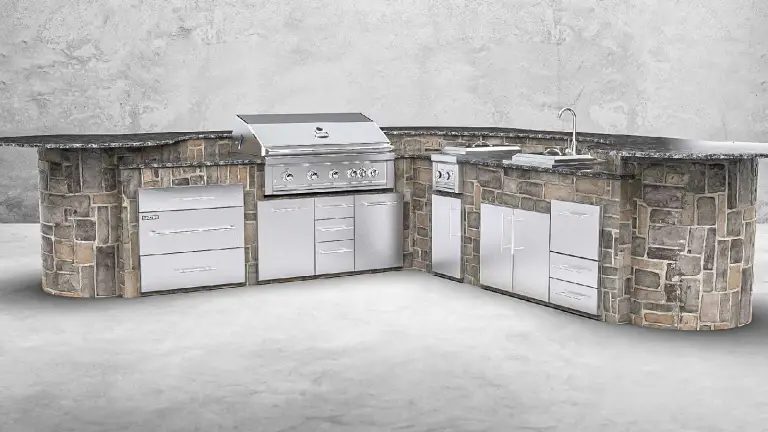
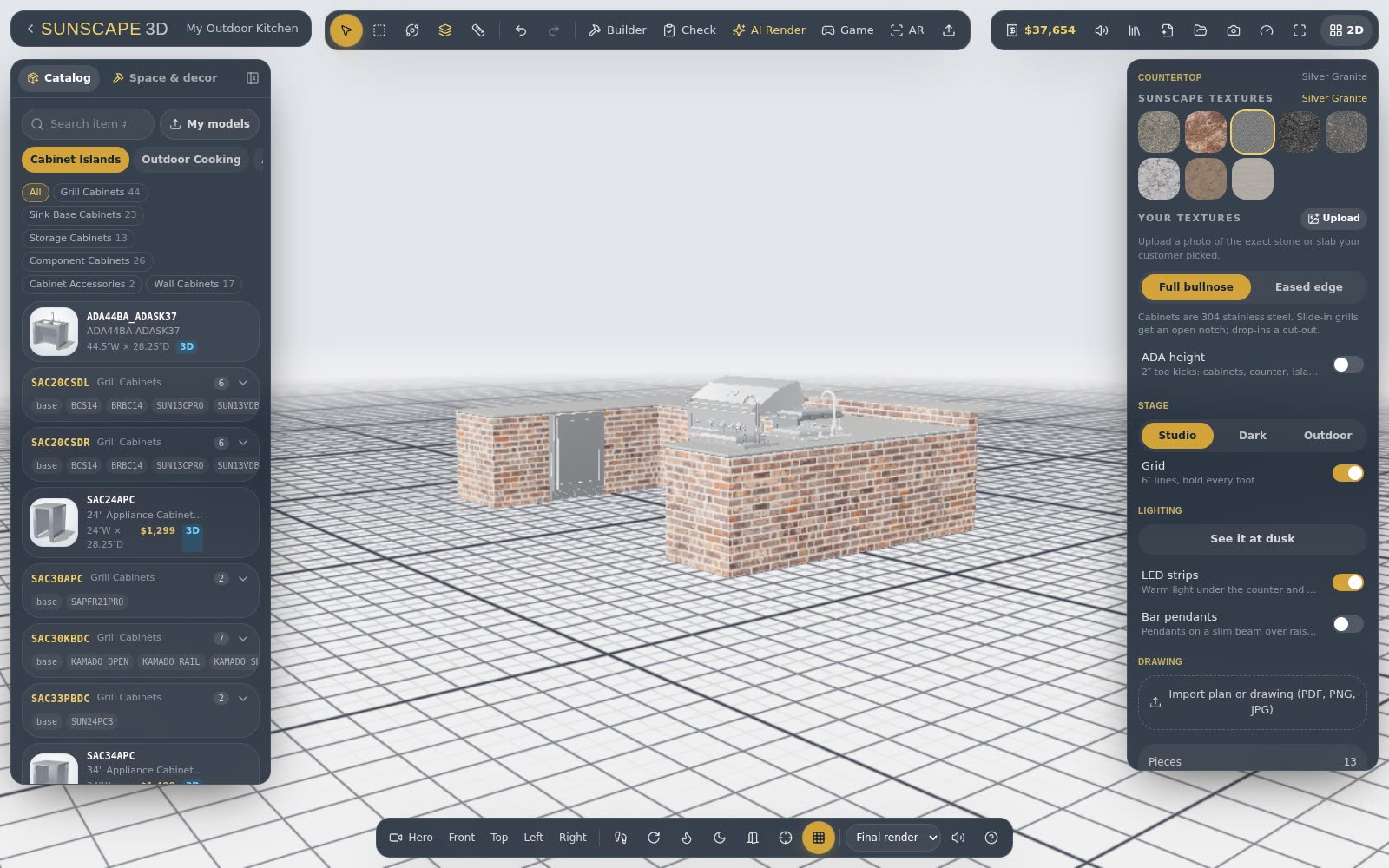
Orbit, zoom and look from the seat you'll sit in. Materials, counters and masonry show the way they'll look outside.
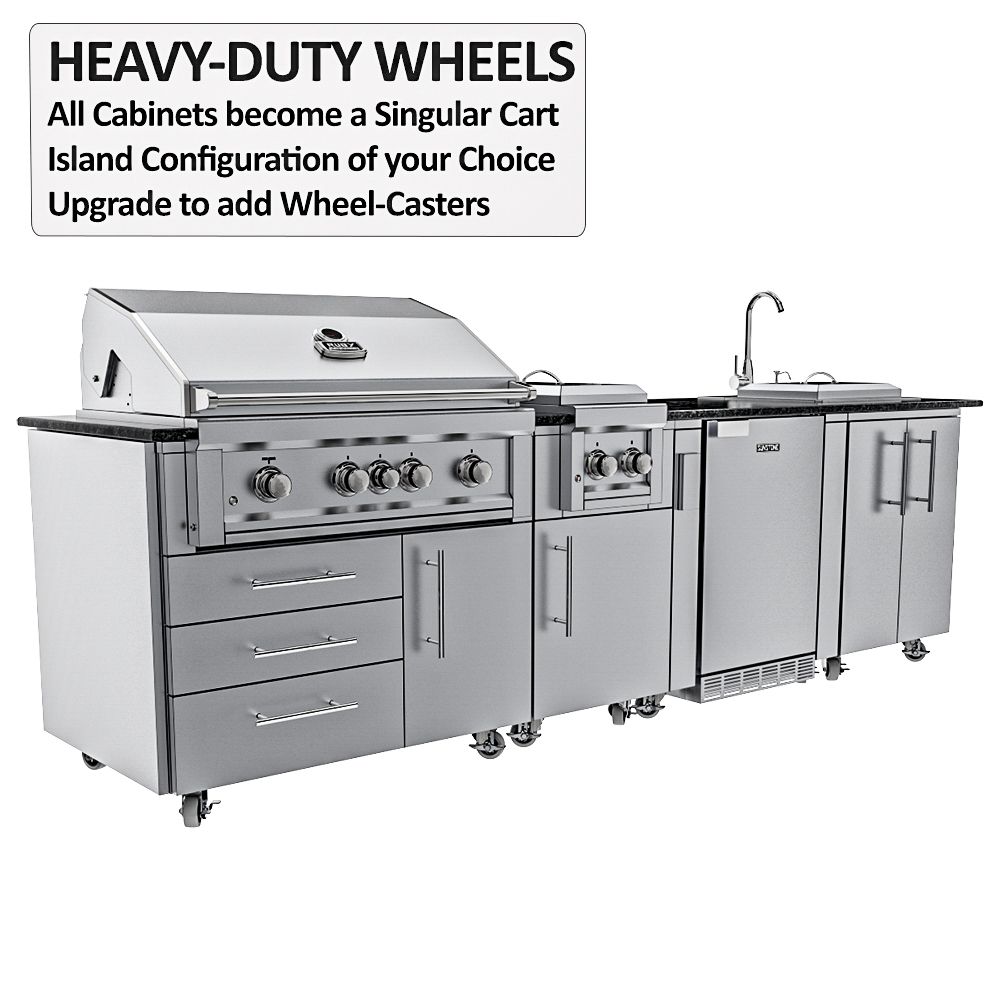
- Real product models, not boxes
- Counters, seams and overhangs
- Doors, drawers and hoods that open
Island Builder
Build the island, piece by piece
Pick a base — masonry, stud frame or welded — then add bars, angled corners, fire features and storage. The structure follows the cabinets you place.
- Raised bars and angled corners
- Fire pits and linear fire
- Framing that respects each build type
Backyard
Design the whole space
Patios with curved edges, borders and inlays, steps that wrap a corner, planter walls with plants already in them, pergolas, seat walls and levels.
- Gas, water and power plan
- A layout check that flags problems
- Pergolas in wood, aluminum or louvered
Night
See it at night
Turn the sun down and the lights on — under-counter LEDs, pendants, wall lights and live fire — to see how the kitchen feels after dark.
Catalog
Real products, dragged straight in
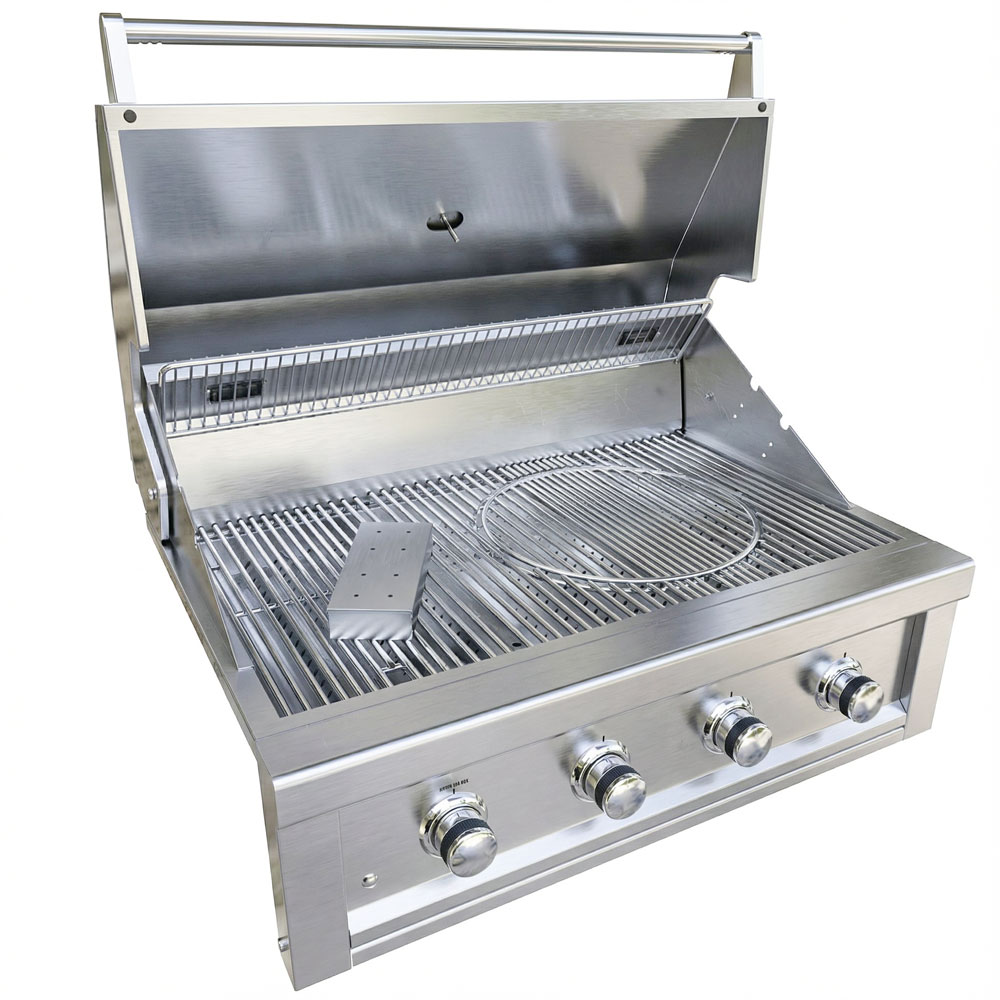
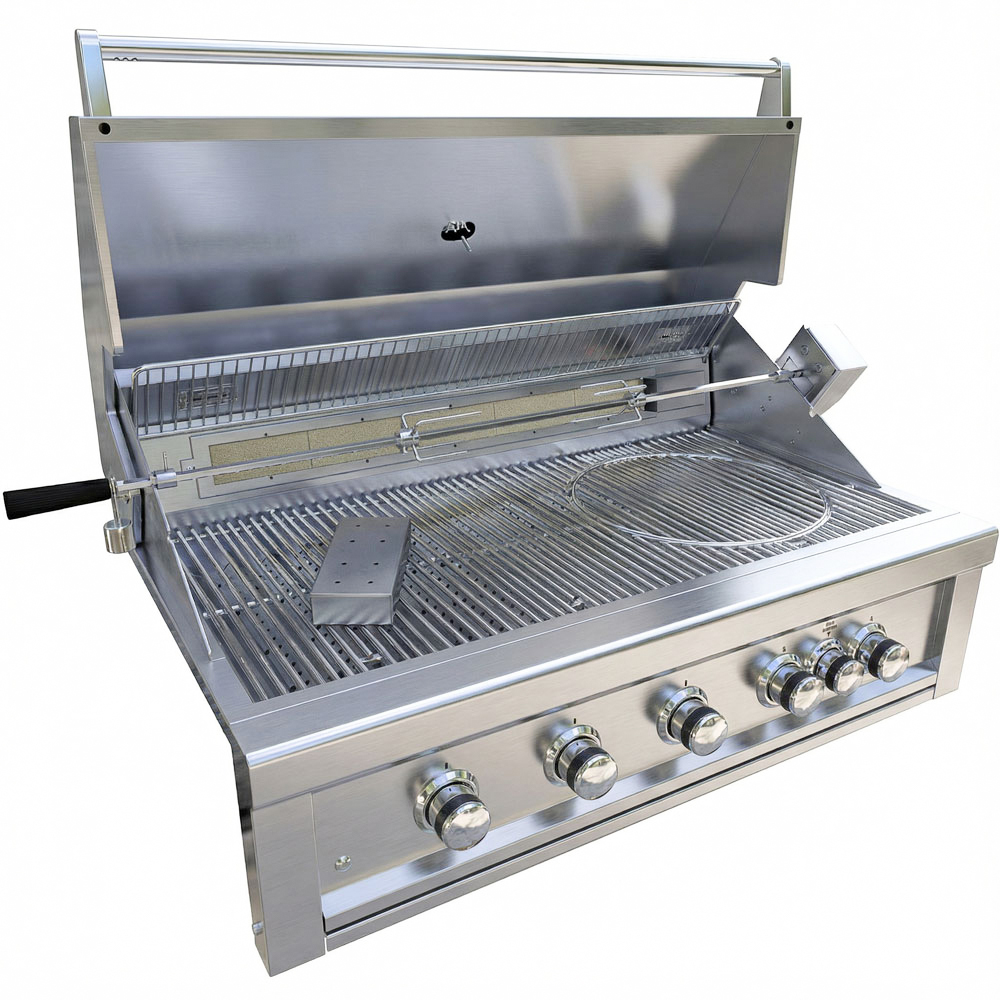
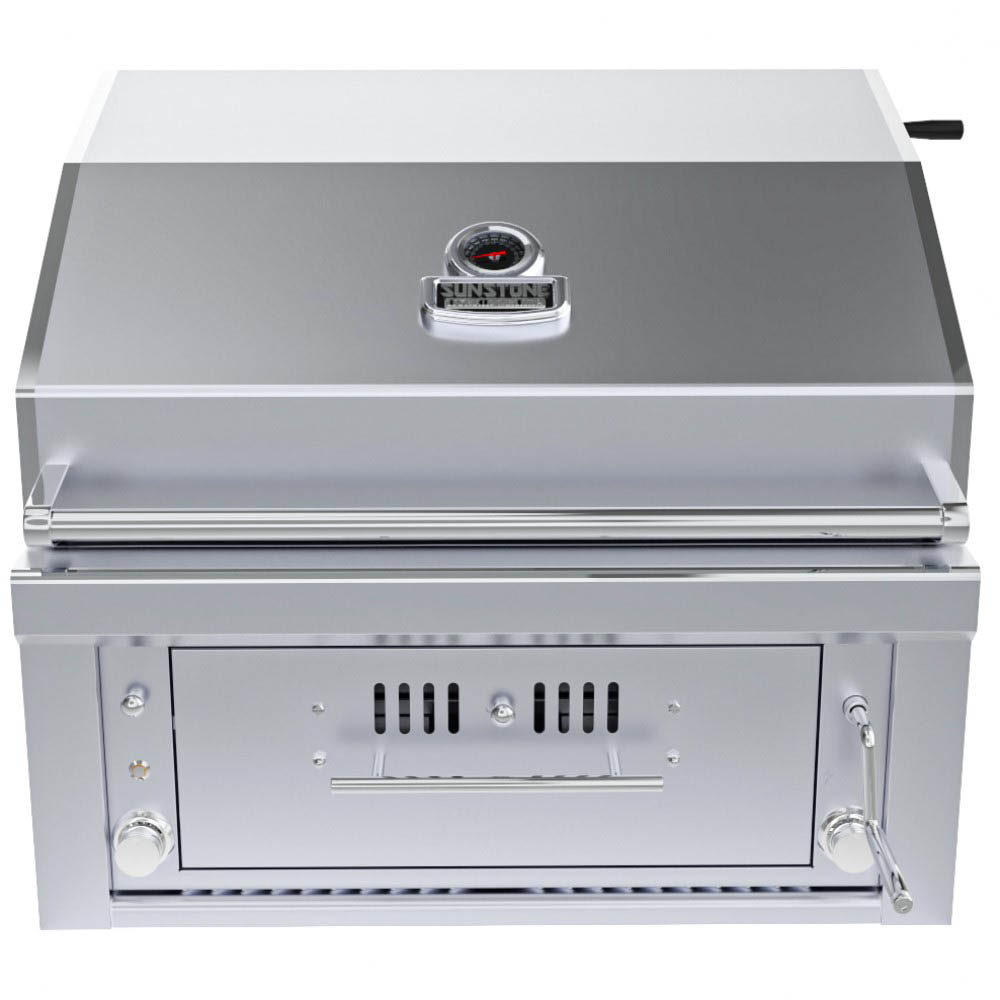
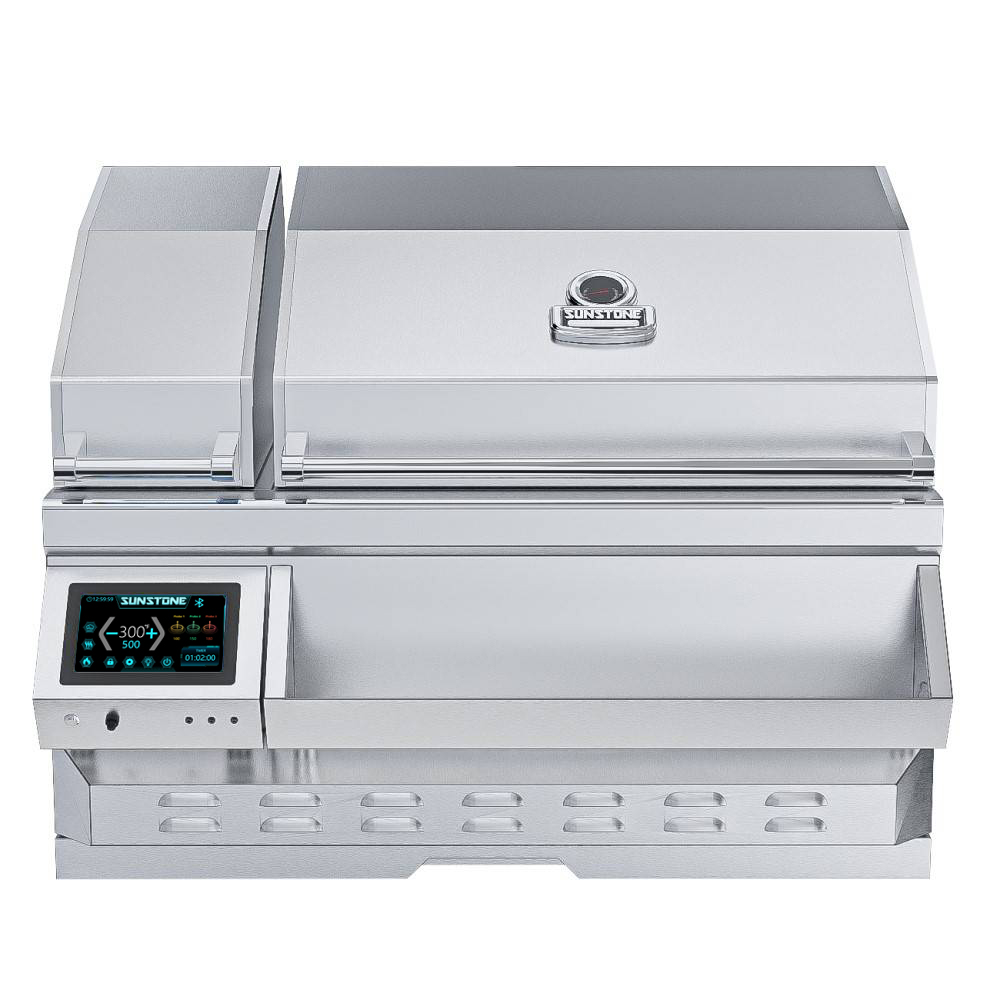
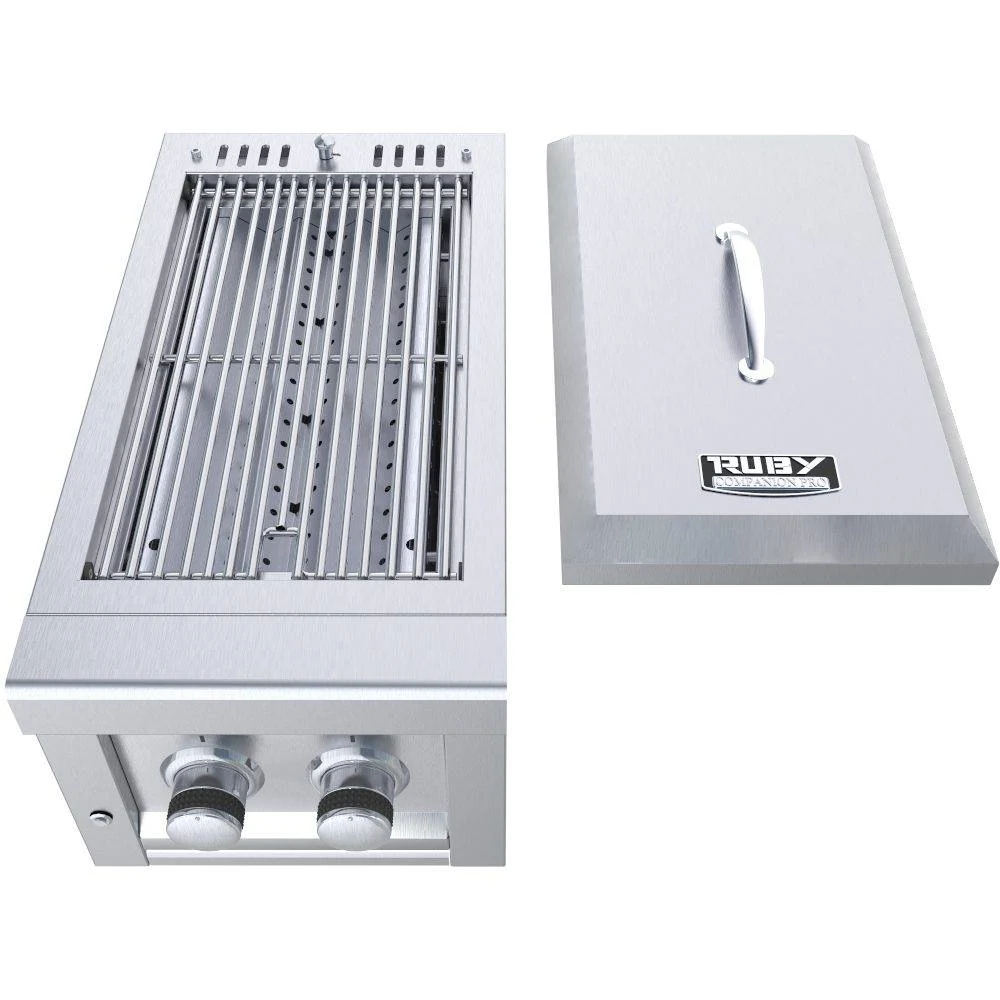
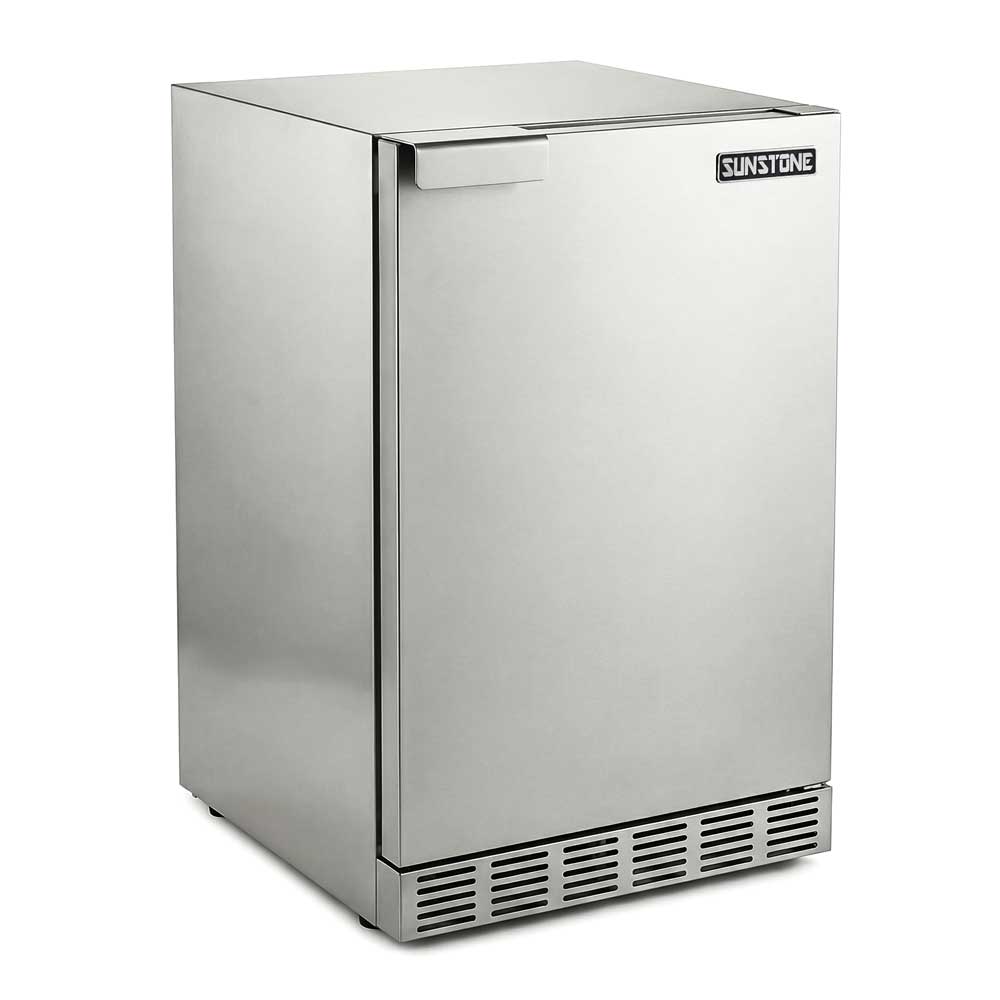
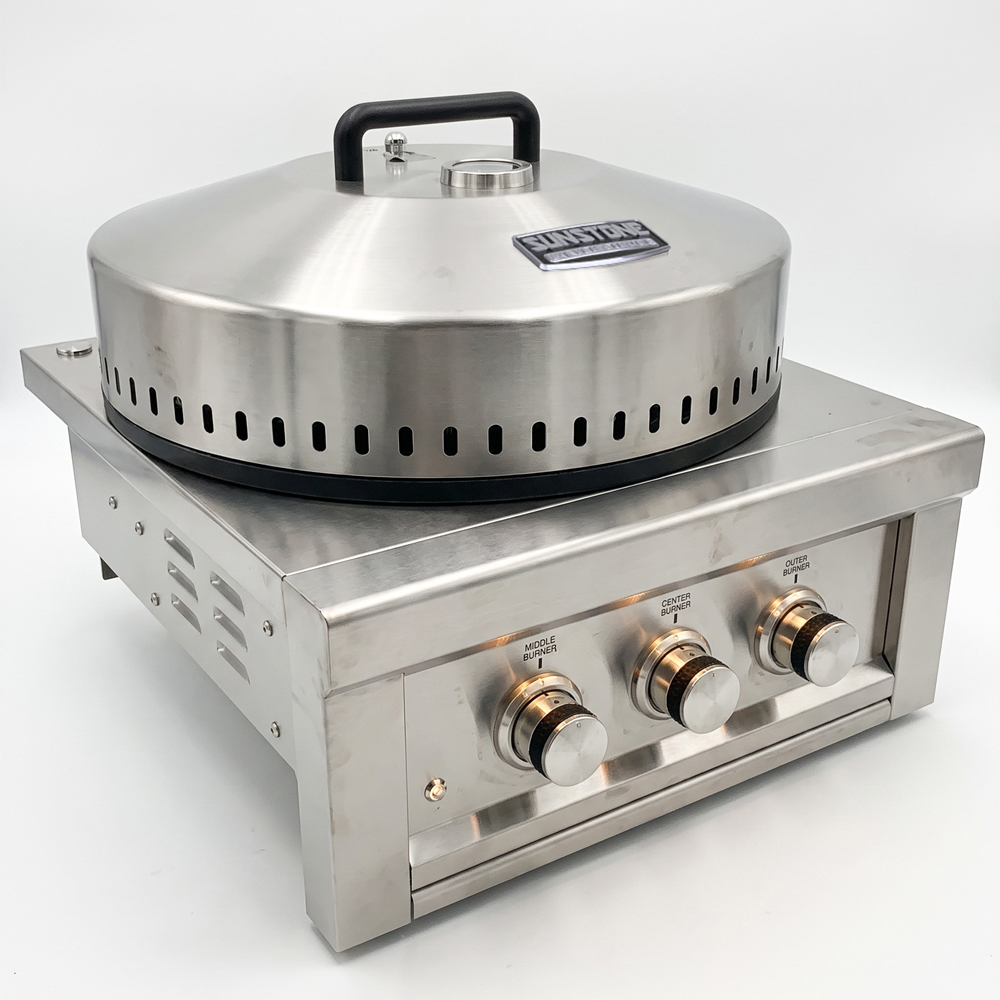
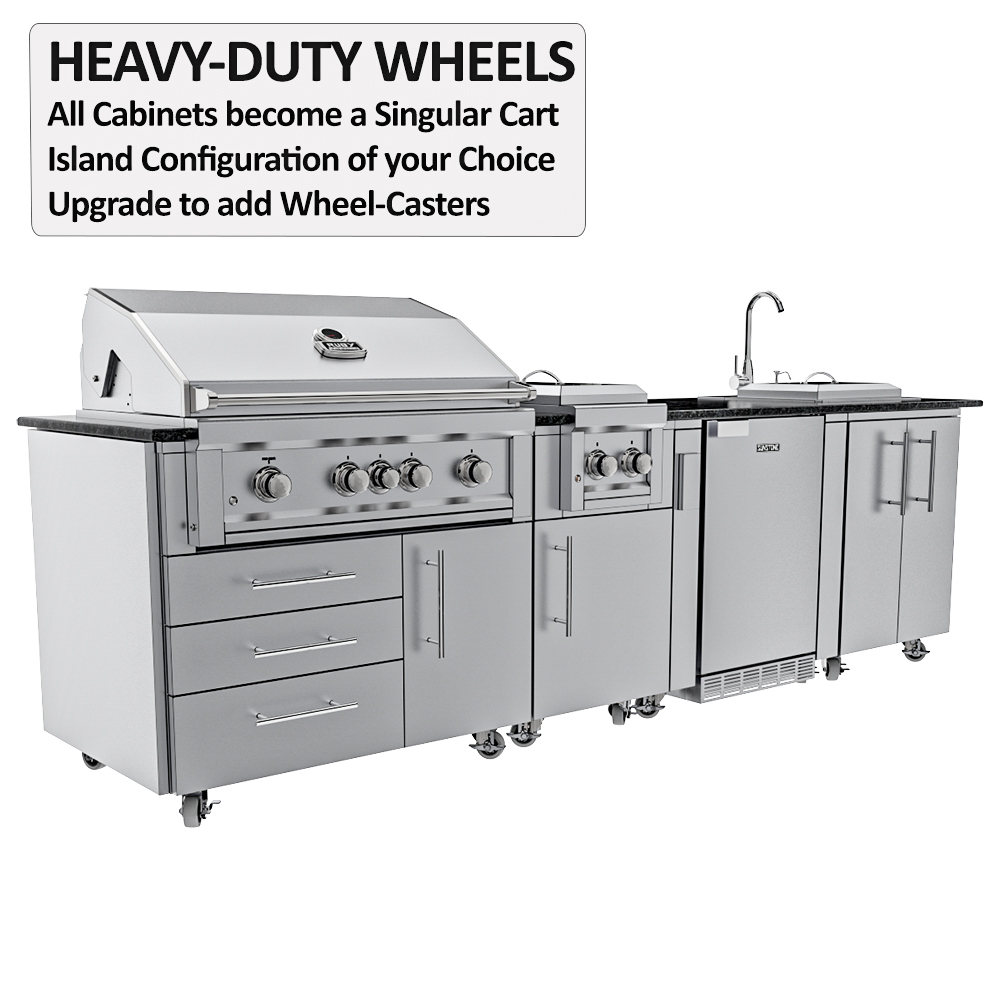
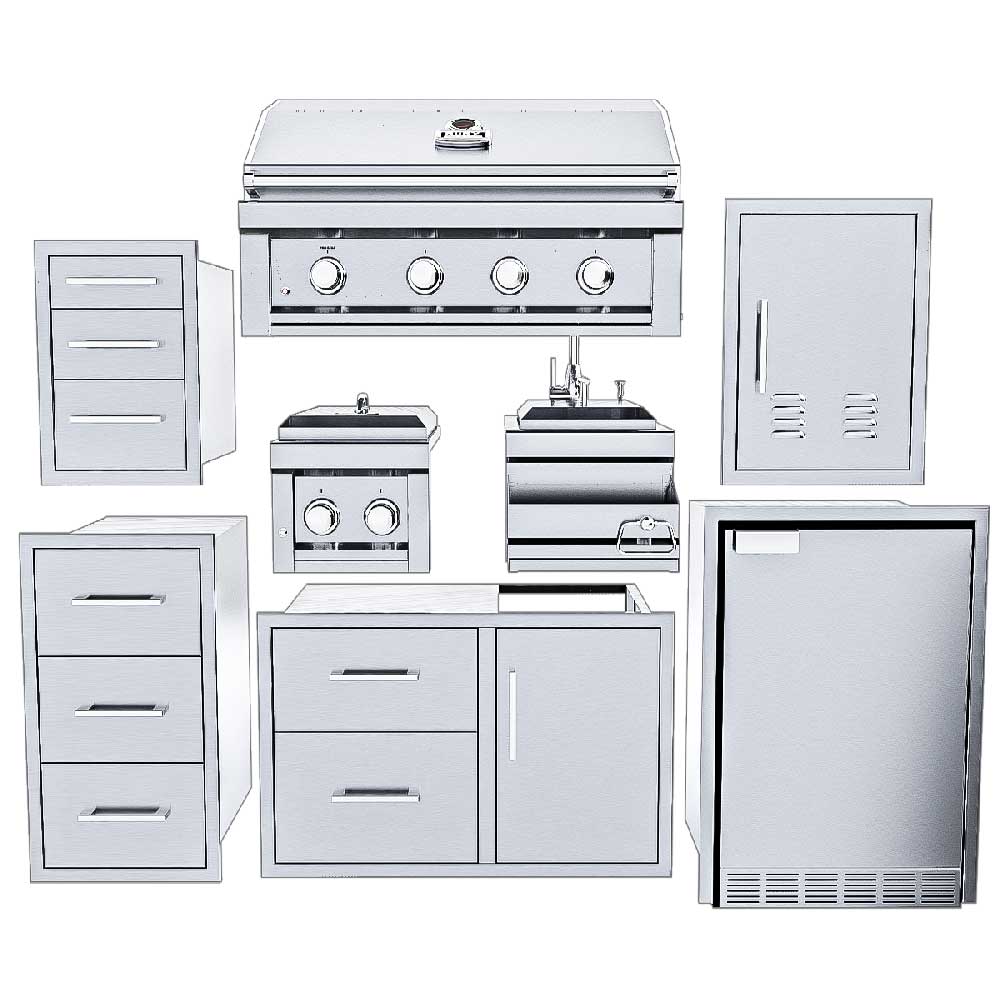
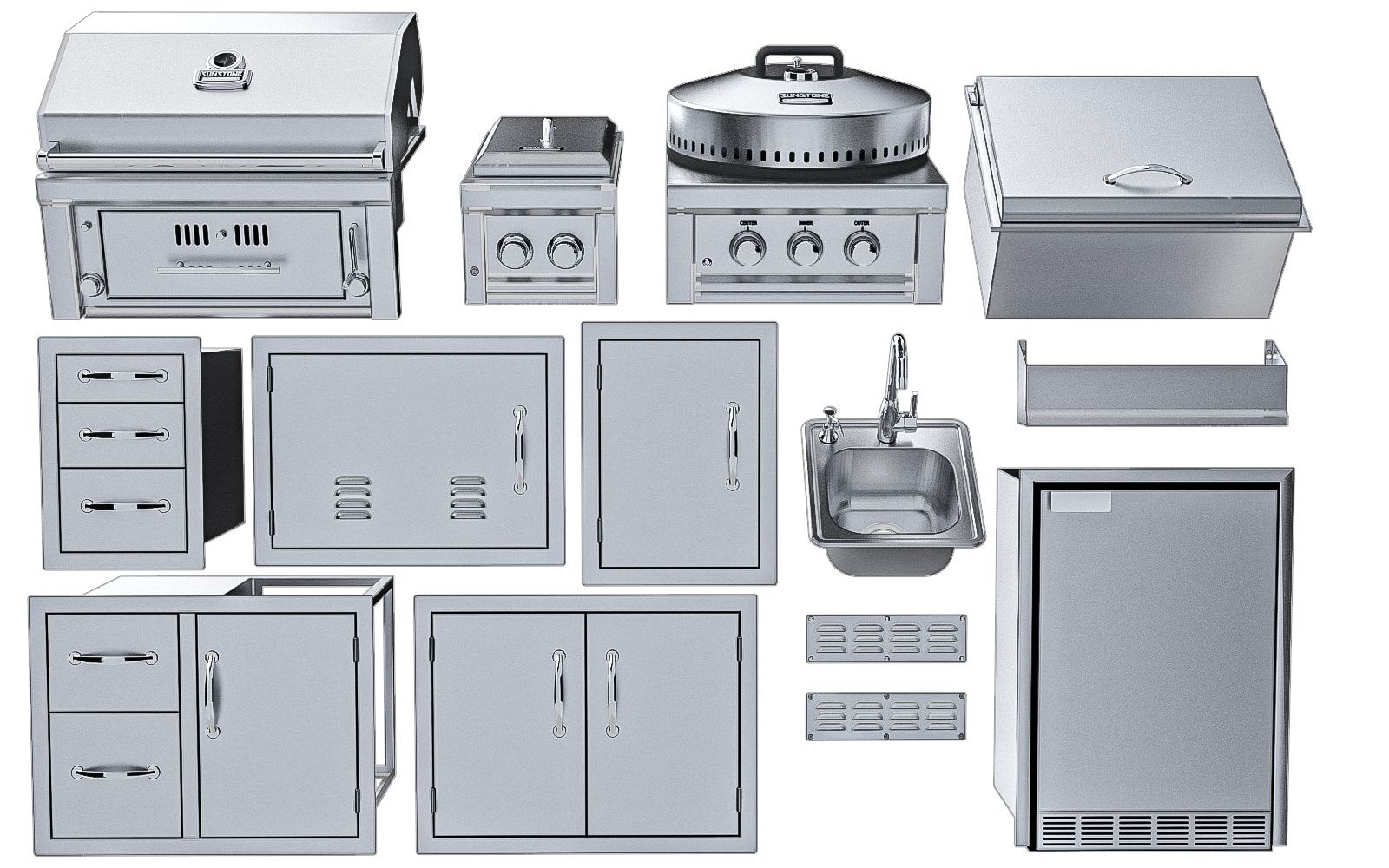
Browse the catalog in the app and drop grills, side burners, refrigeration, storage and accessories into the design.
Quote
Price every piece as you go
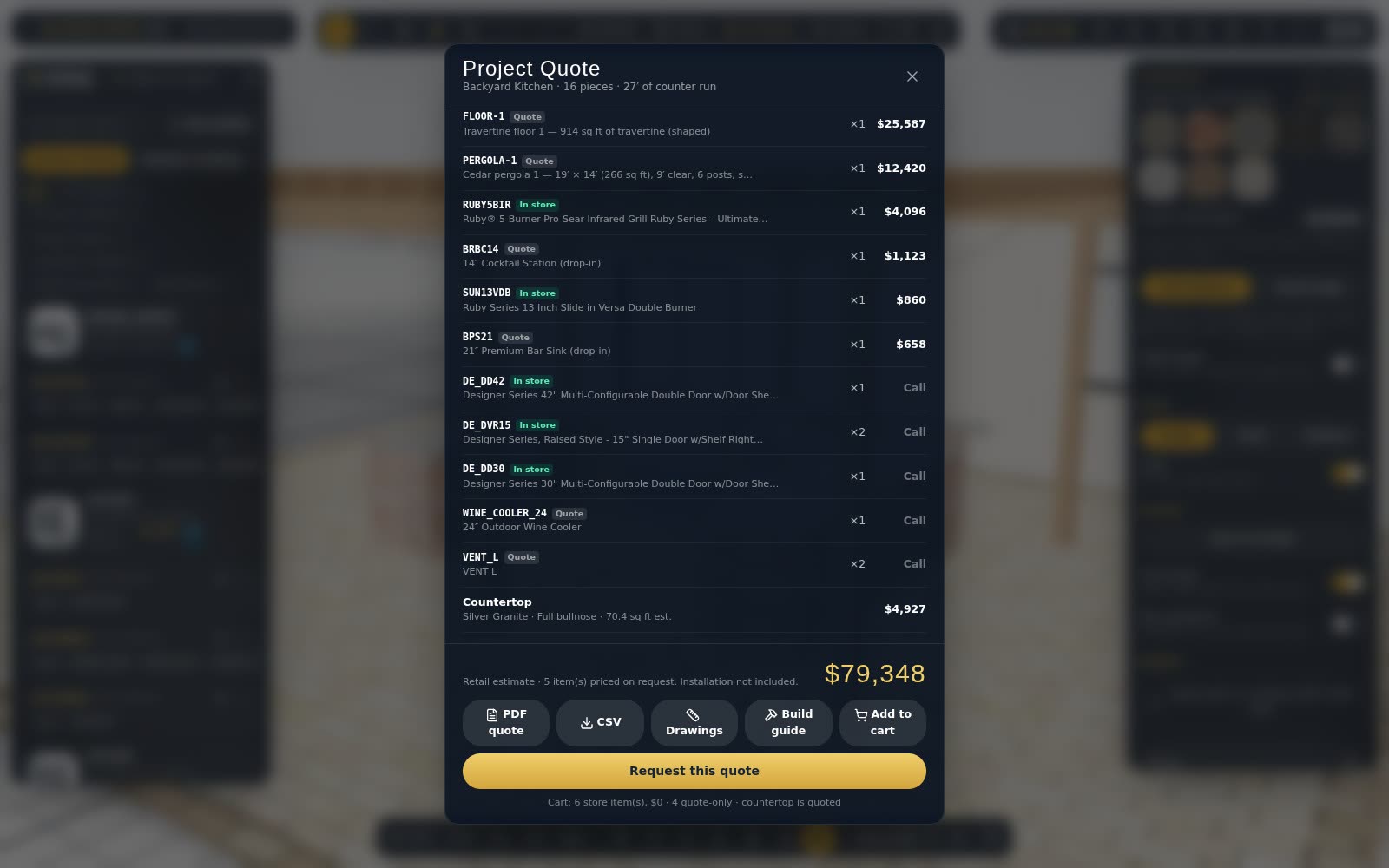
A running estimate updates with every change. Send a quote request, download a PDF, or add everything to the cart.
- PDF quote with drawings
- Build instructions for the installer
- Share links for the customer
AI Render
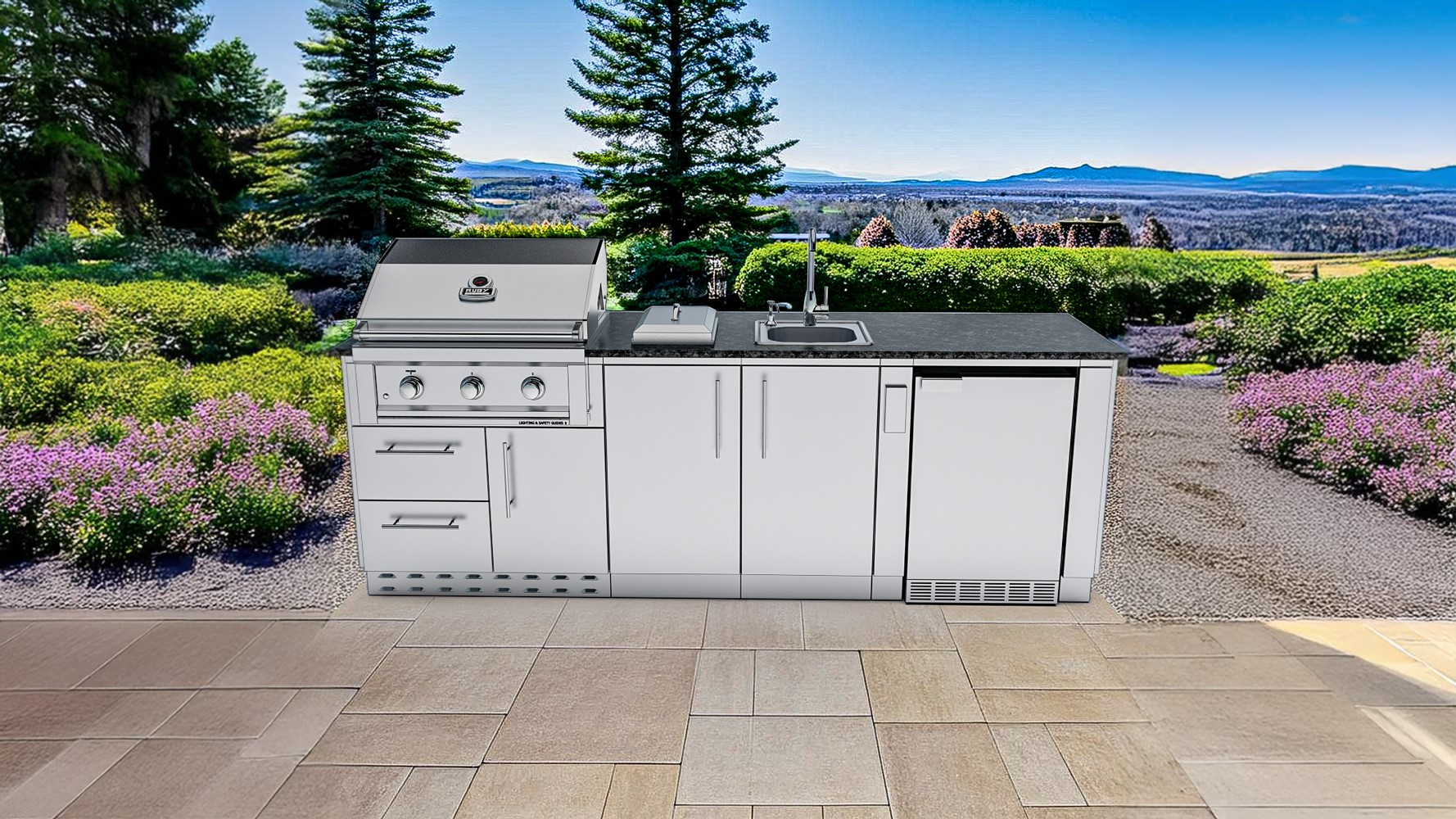
A photo-real look from your design
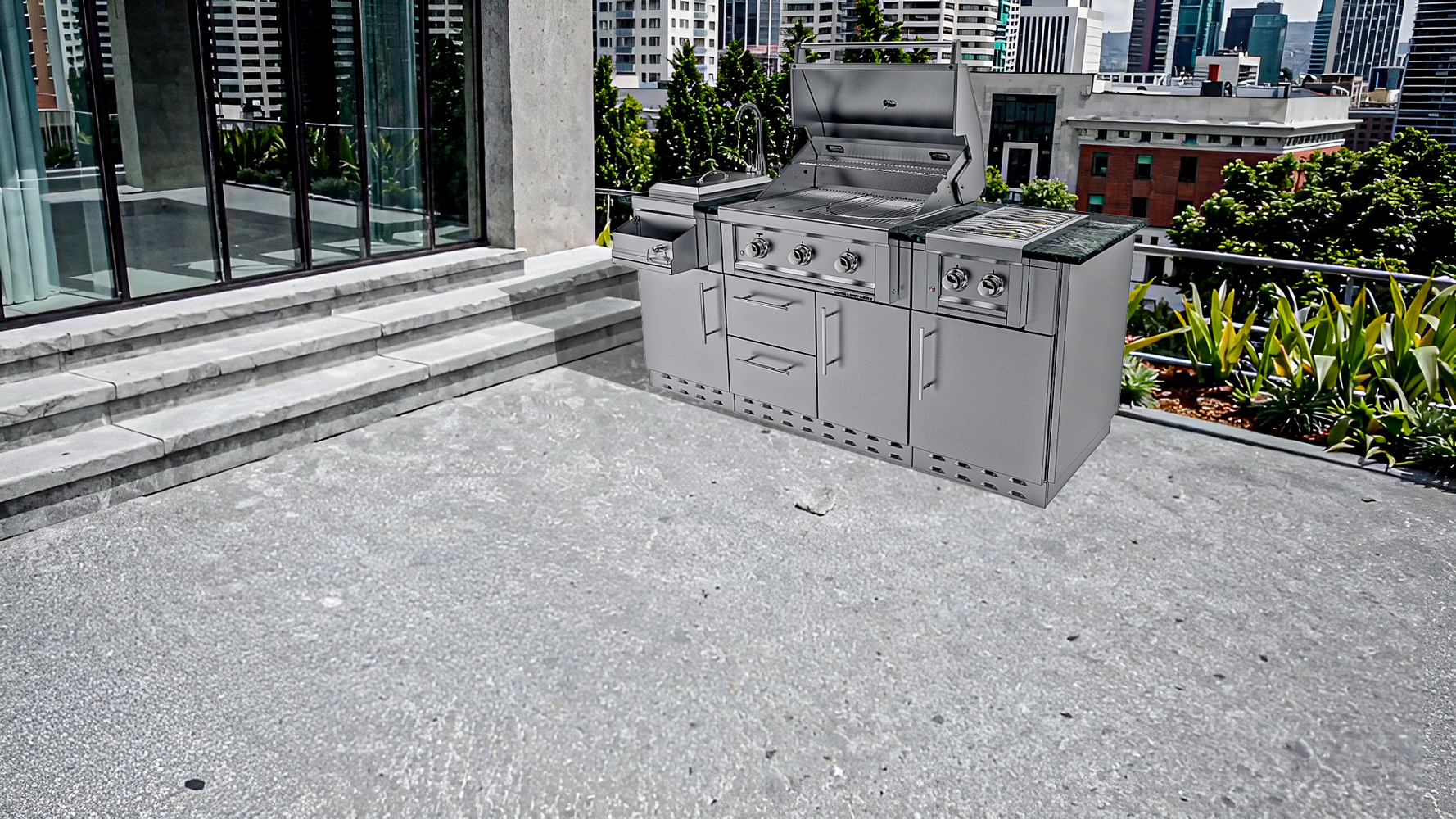
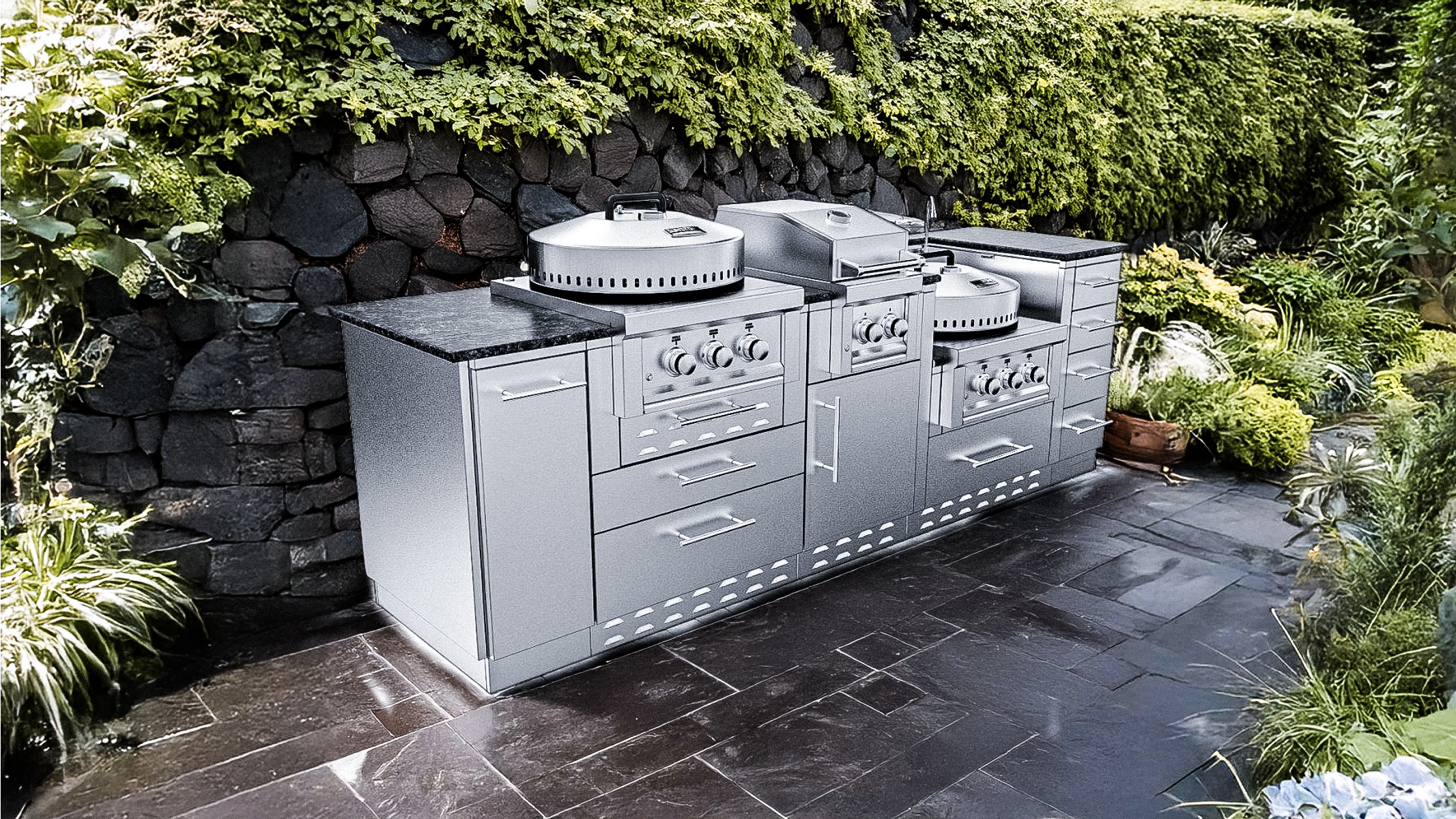
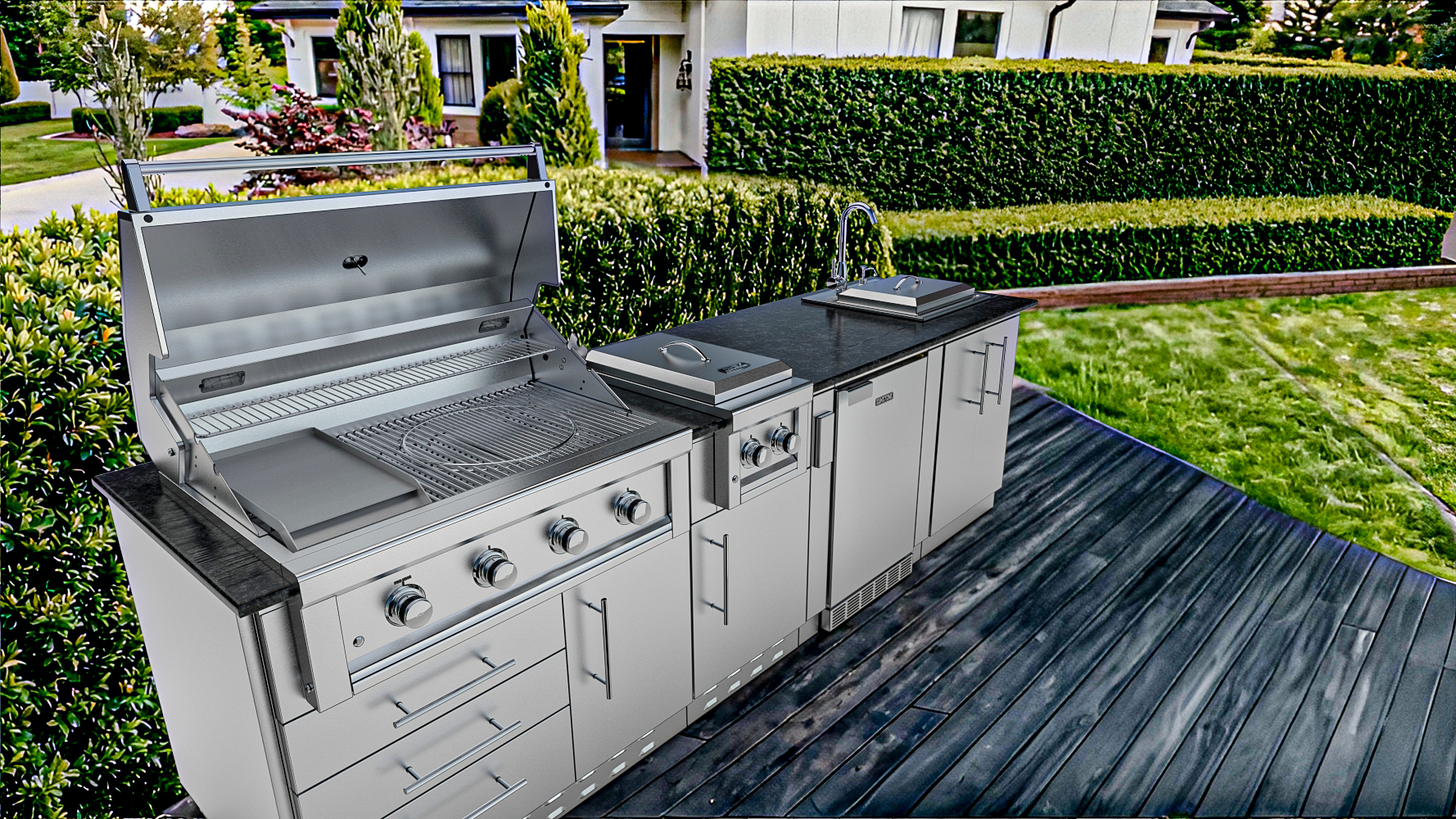
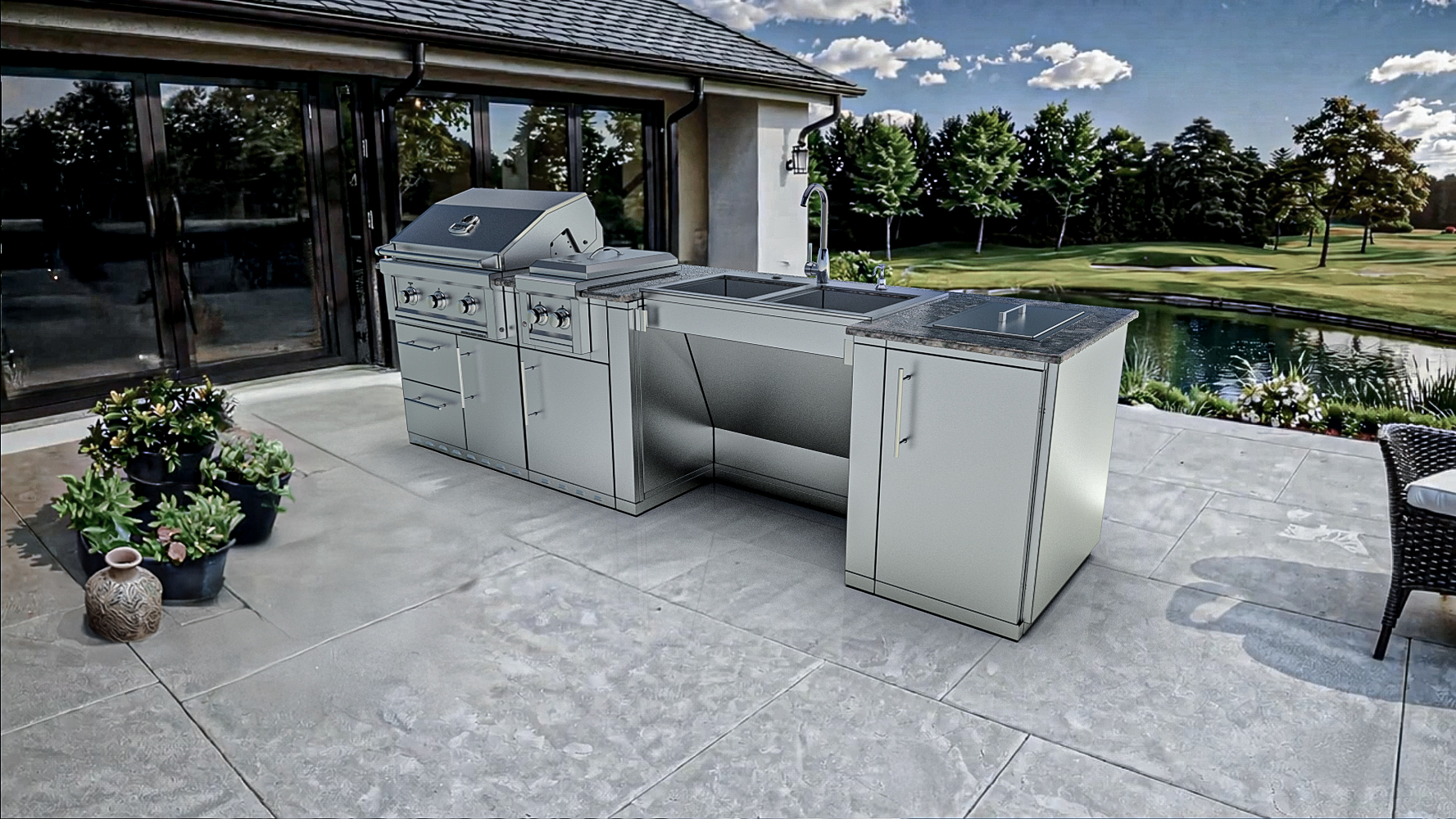
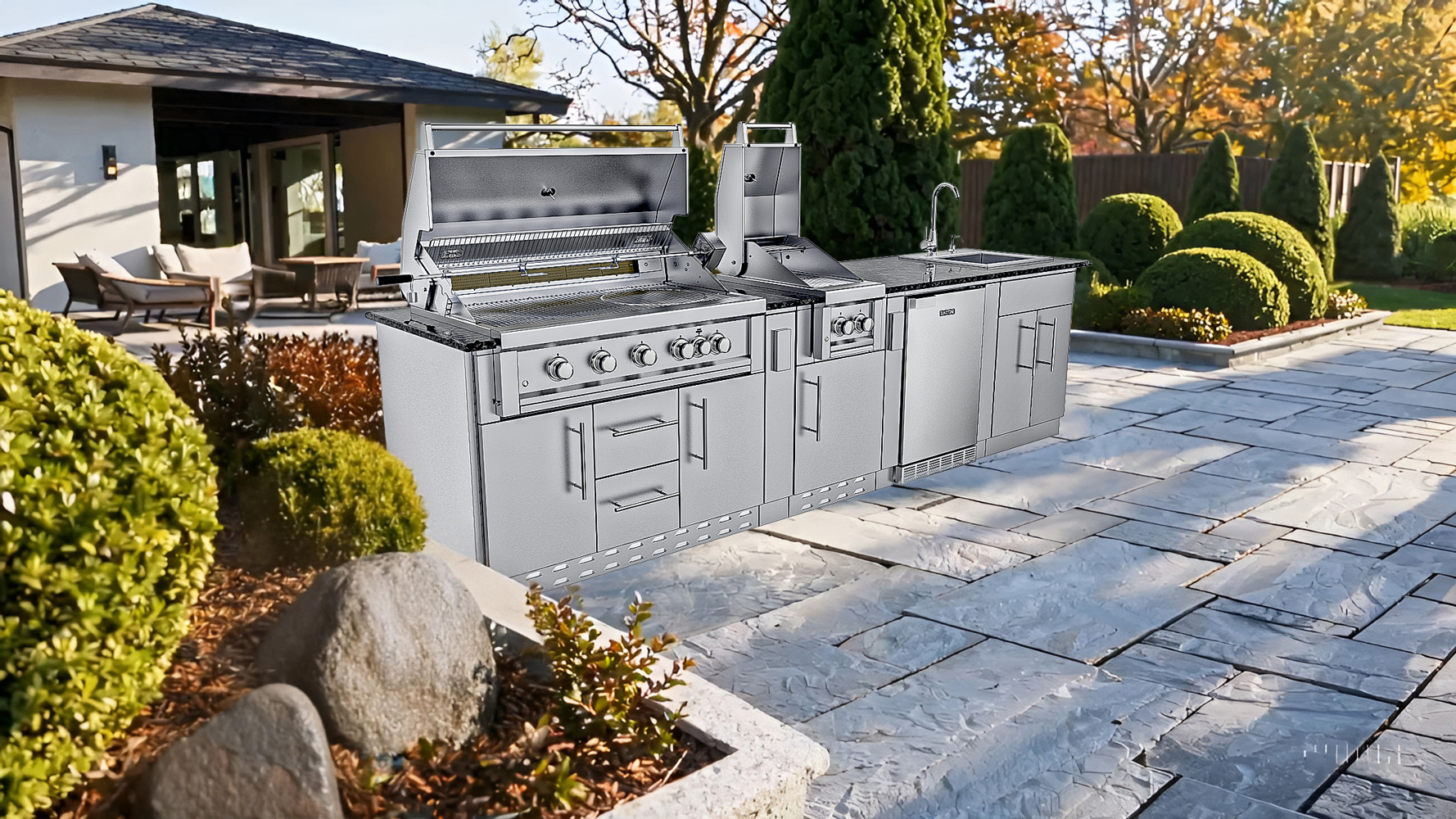
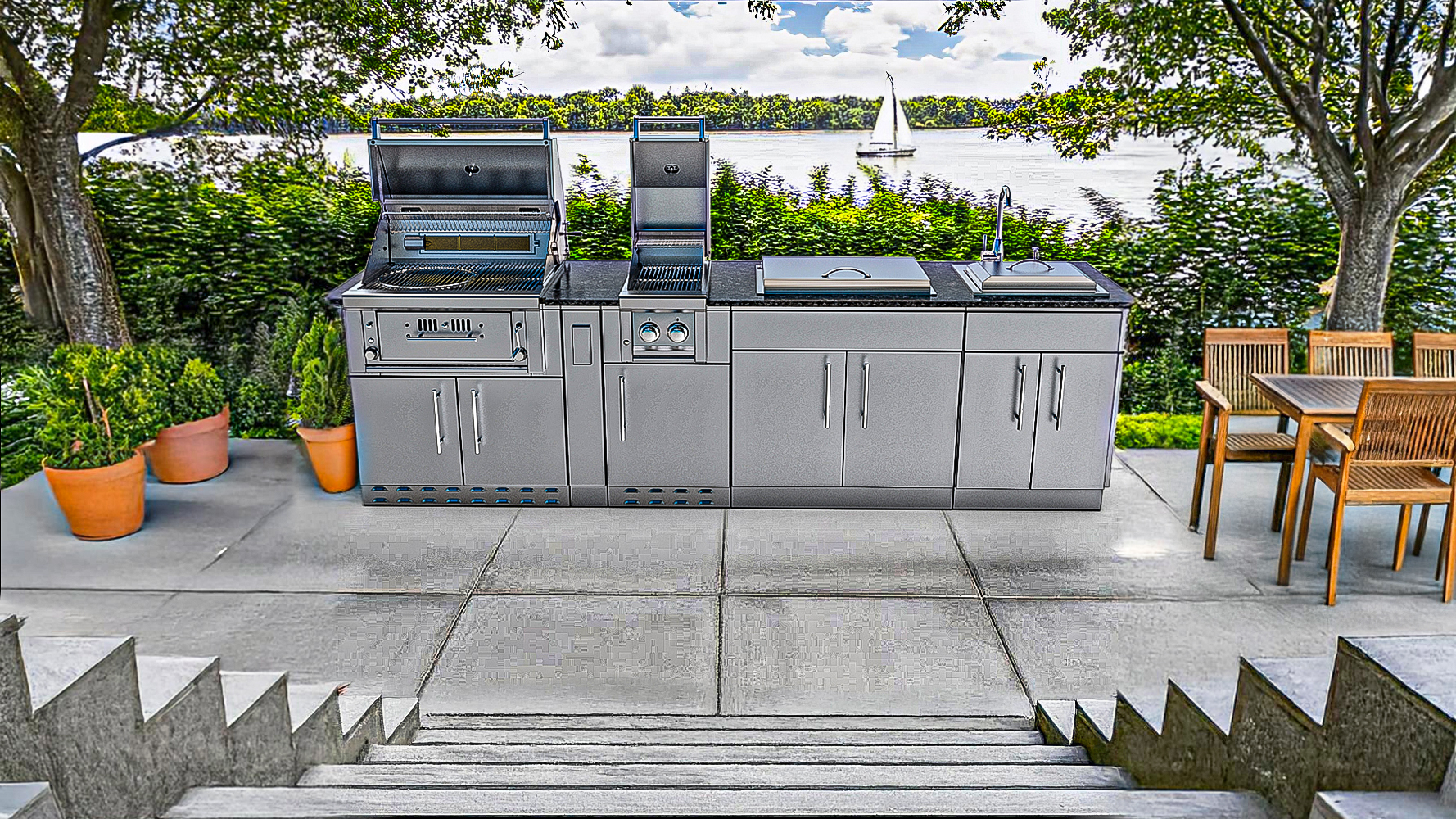
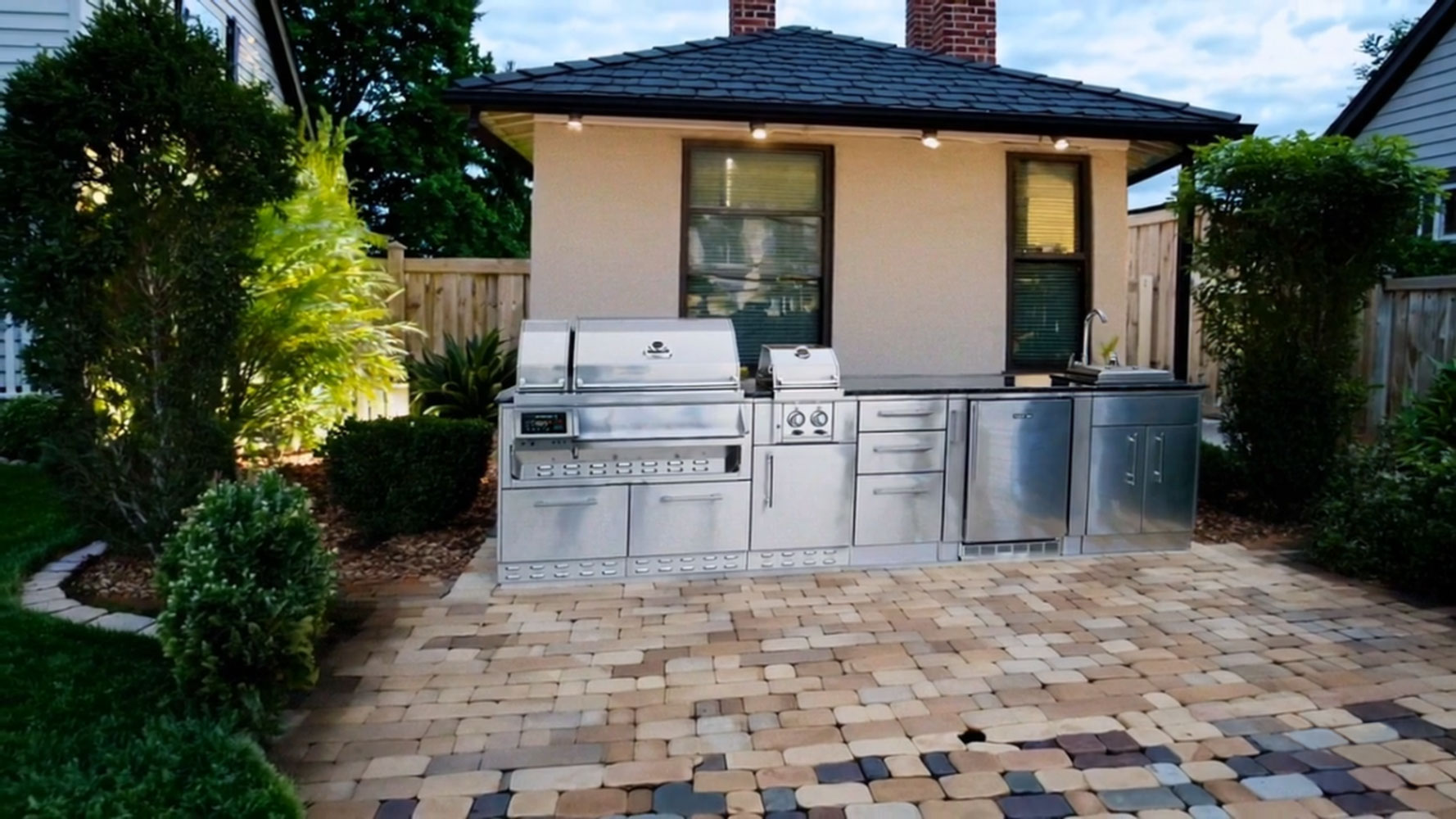
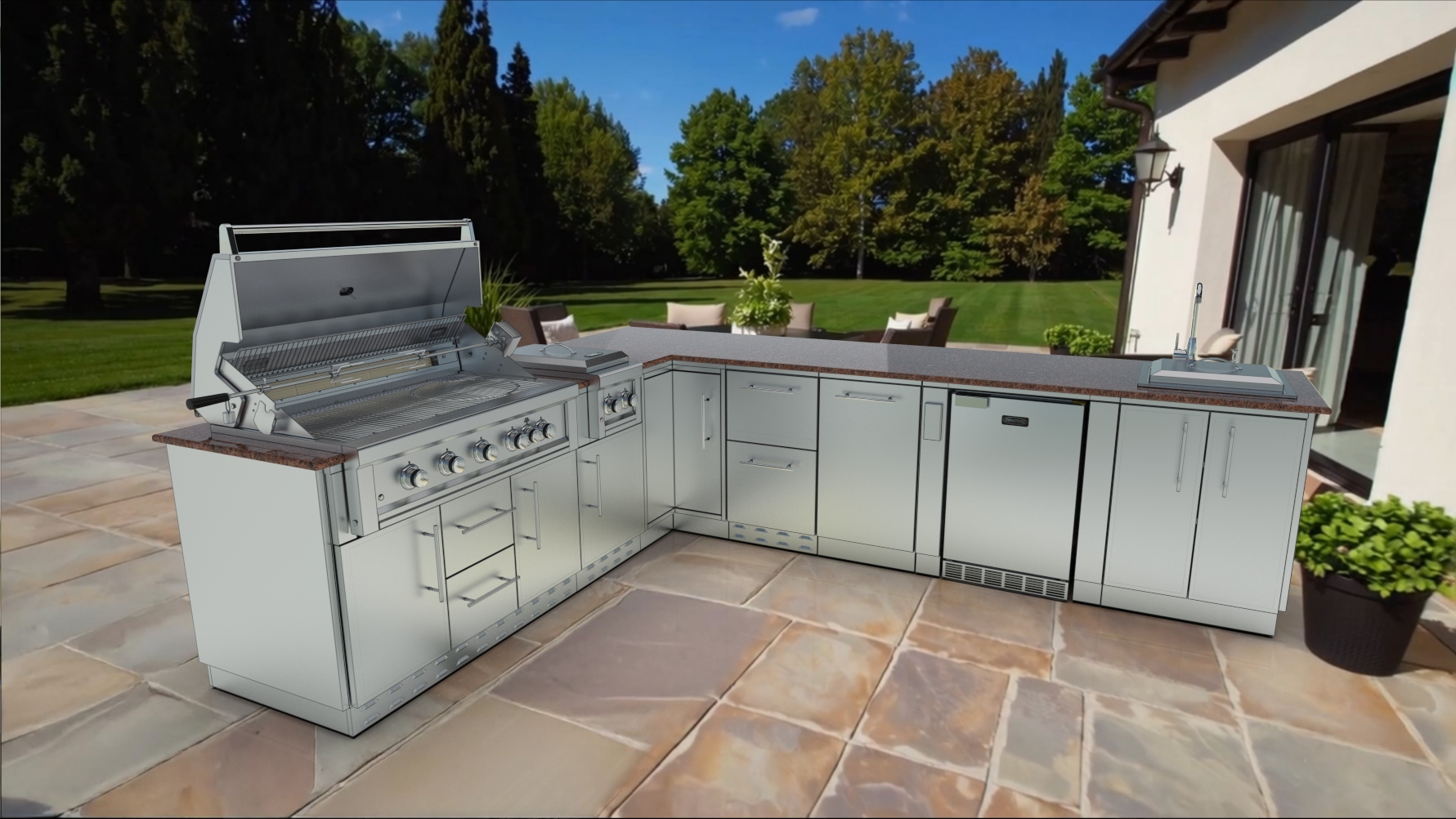
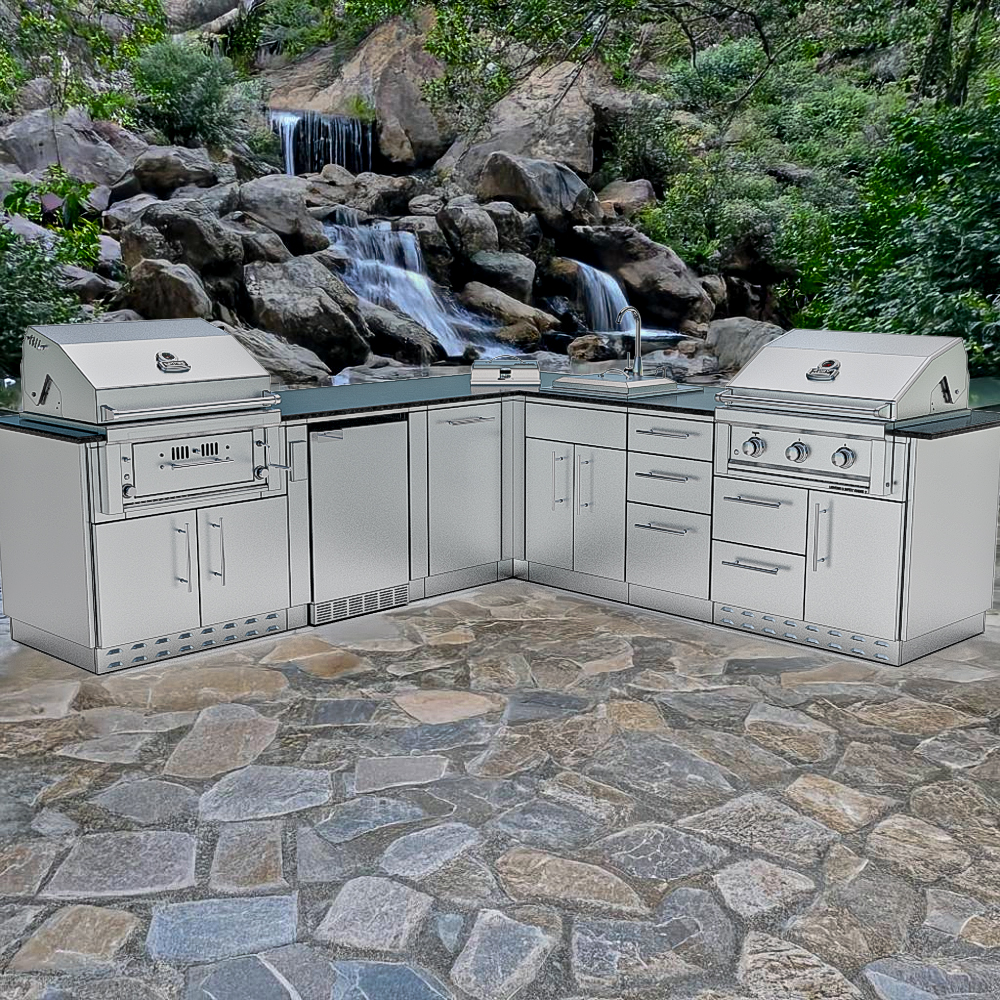
AI Render turns your design into a finished picture — or places it into a photo of your own backyard. Each render uses one AI credit.
Game Mode
Watch it come together
Game Mode builds the kitchen in front of you — the slab, the walls, the cabinets, the counter — a fun way to show a customer how it goes together.
Anywhere
Works on the phone in your pocket
The whole configurator runs in the browser on phones, tablets and computers. Pinch to zoom, drag with a finger, pick up on another device where you left off.