Blog
A new front page for the catalog
Packages up front, a drawing of how every part fits into an outdoor kitchen, and each department with what its products are for.
Swap in place, low-bay cooking, gas sizing and package pages
Swap a grill without rebuilding the run, set a power burner or griddle low in a bay, see the gas load and stone count, and compare every package side by side.
Open any Sunstone package as a design, and set a power burner low for stock pots
Every Sunstone cabinet island package and masonry kitchen package now opens in the configurator as a design you can change, and the low bay now holds a power burner as we
Cleaner, simpler configurator: one name per tool, fractions everywhere
We tidied up the Sunscape configurator: fewer duplicate buttons, one name for each tool, measurements in feet, inches and fractions, and windows that fit your phone.
Design it, then buy it here: the Sunscape shop is open
The products in the Sunscape configurators are now in the Sunscape shop, so you can plan your outdoor kitchen and order the same pieces in one place.
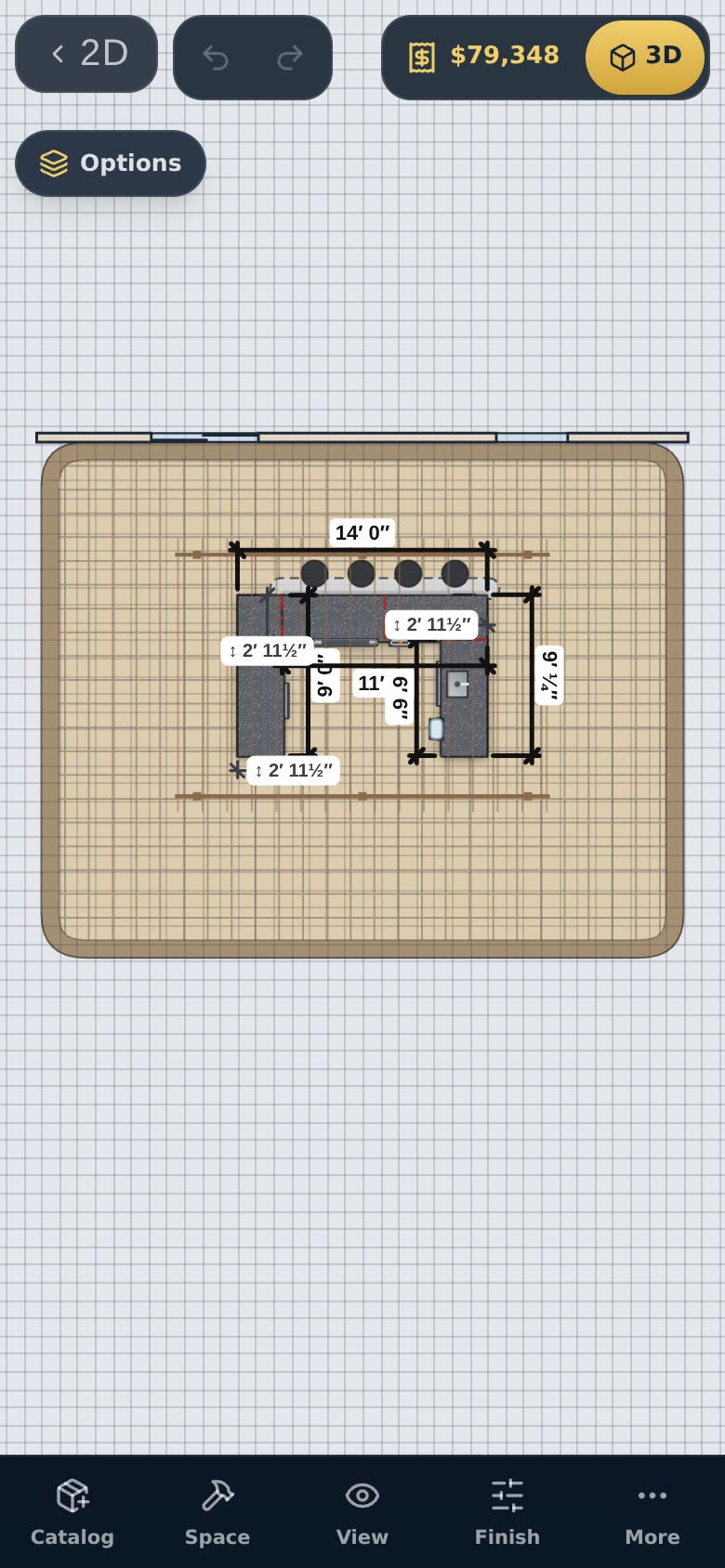
Design on your phone or tablet
The 2D planner and the 3D configurator work on phones and tablets, with touch-sized tools and the menus in bottom sheets.
Put the configurator on your own website
With a Professional membership, your customers design on your site — with your logo, your prices and quote requests that come straight to you.
Earn with Sunscape: the affiliate program
Members can join the affiliate program, get their own page and links, share renders and files, and earn commission on the plans their referrals buy.
Check the layout: clearances, work triangle and accessible heights
The layout check flags tight clearances and missing pieces, and ADA mode lowers counters and cabinets for accessible kitchens.
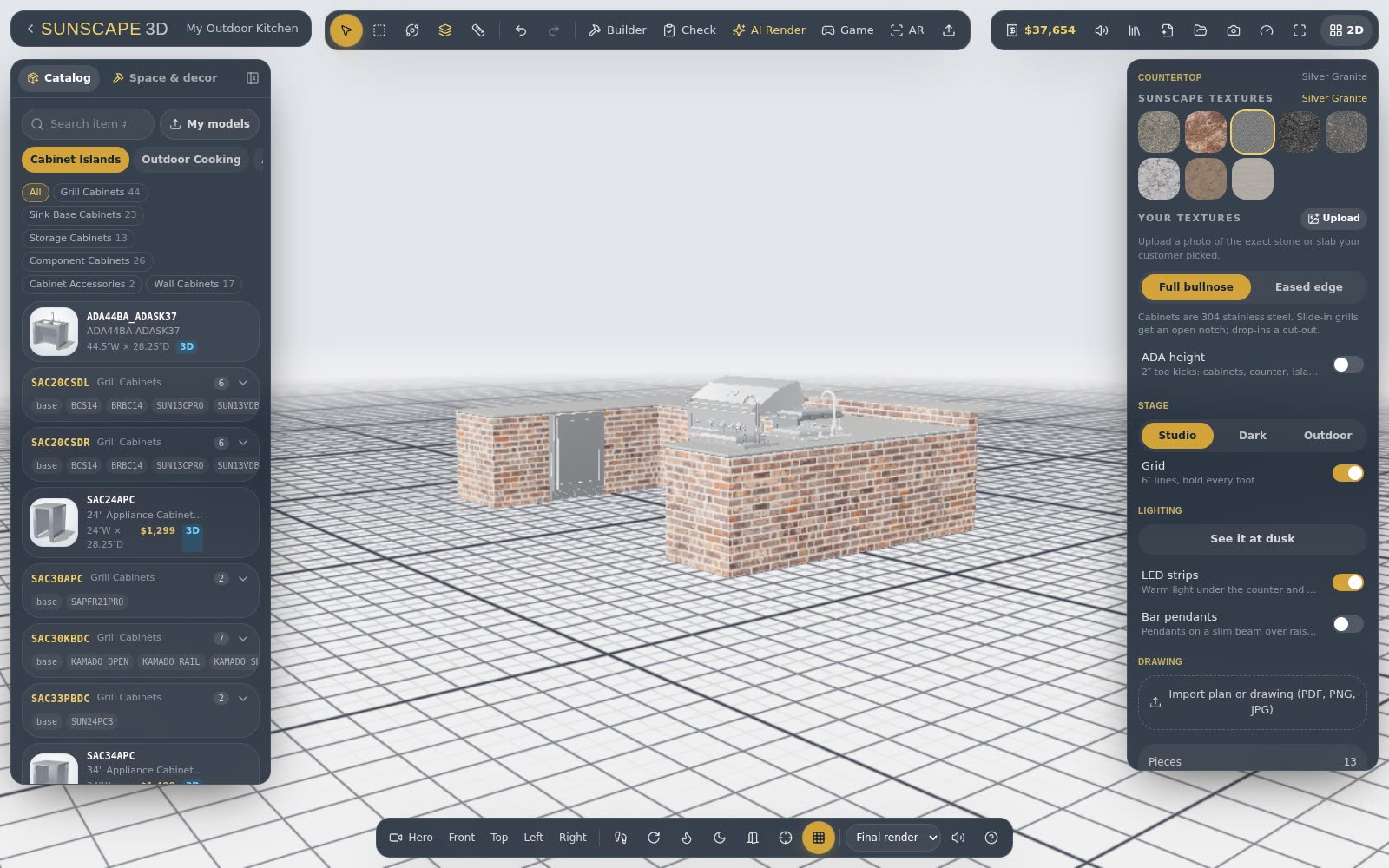
Copy a photo: start an island from a picture you like
Upload a photo of an outdoor kitchen and Sunscape reads its shape, layout and appliances to build the closest match.
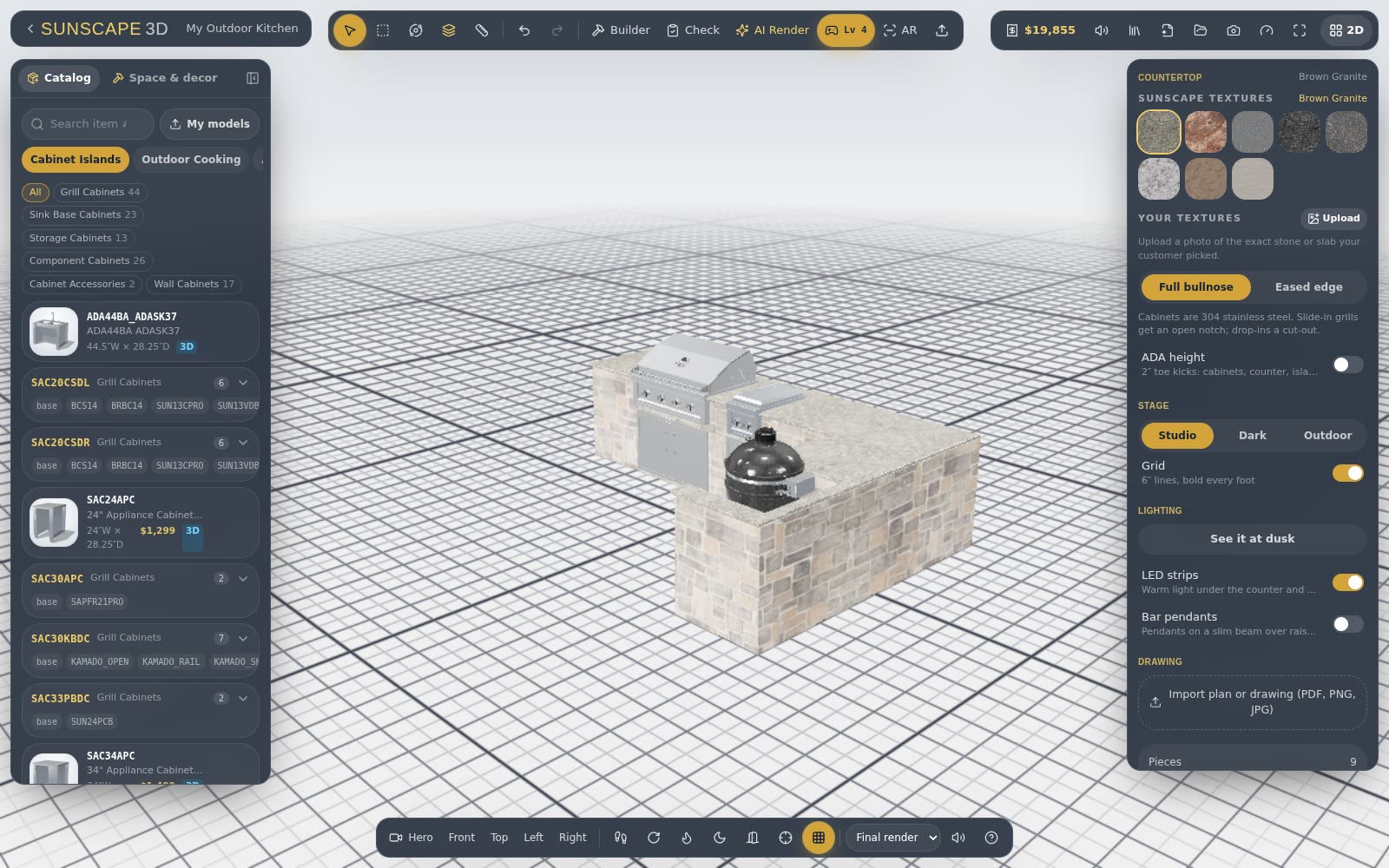
Masonry, steel stud or welded frame: shaping custom islands
Custom islands bend to the patio. Drag the ends to turn corners or curve them, then add bars, round ends and fire features.
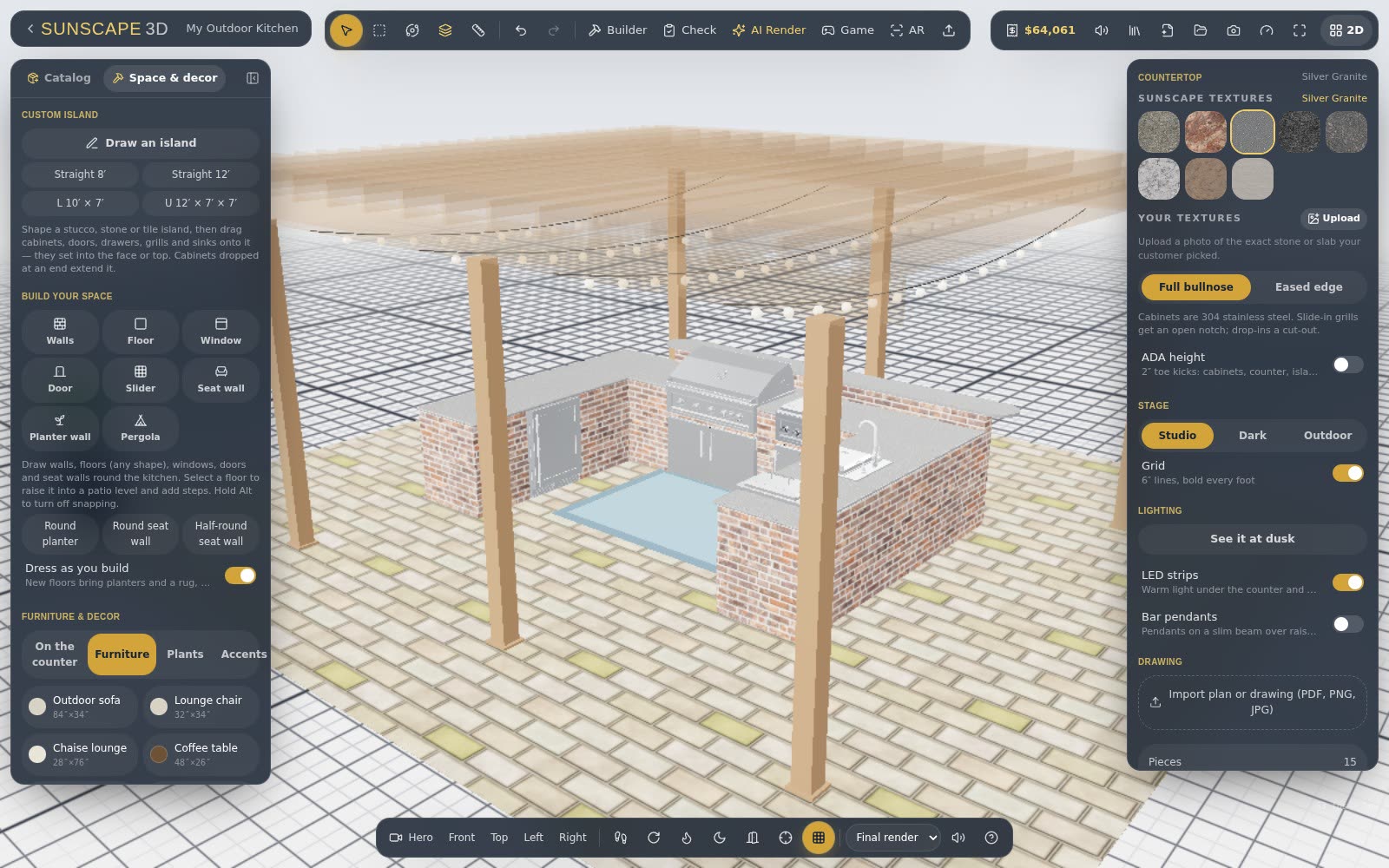
Design the whole backyard: patios, steps, seat walls, pergolas and pools
The kitchen is the centerpiece, but it sits in a space. Draw the patio, levels, walls, pergola and pool around it.
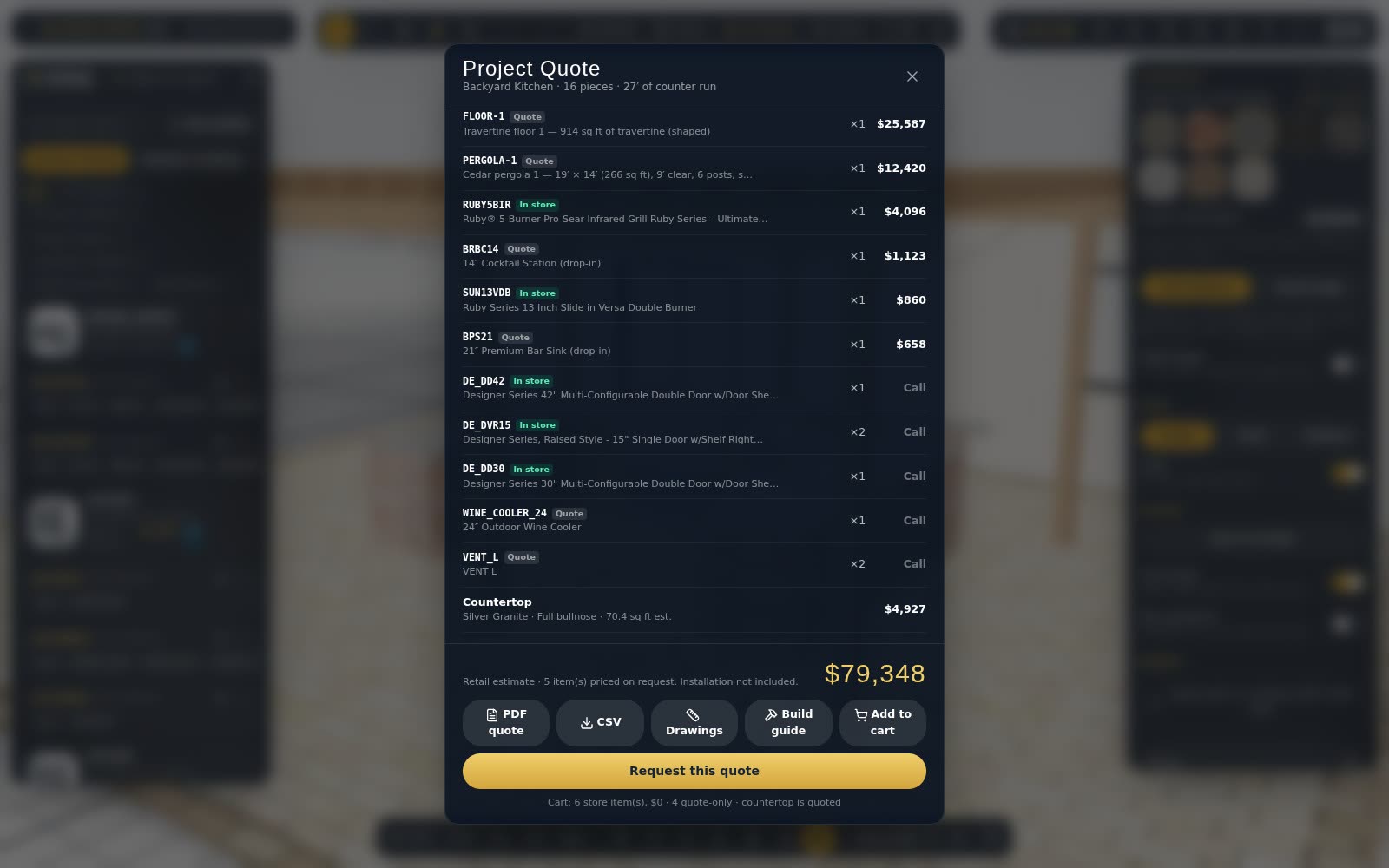
Cut-outs, build guides and quotes your installer can work from
The cut-out view, build guide and PDF quote turn a design into paperwork for the countertop fabricator, the mason and the customer.
Get a design approved: review links with comments and options
Send your customer a link to review the design in 3D, compare options, comment on pieces and approve — and the approved version is locked for ordering.
Send a customer the kitchen to rearrange — and keep your original
Customer view links open the full kitchen in 3D for your customer, with just the basic tools. Every change they save comes back to you as a new version.
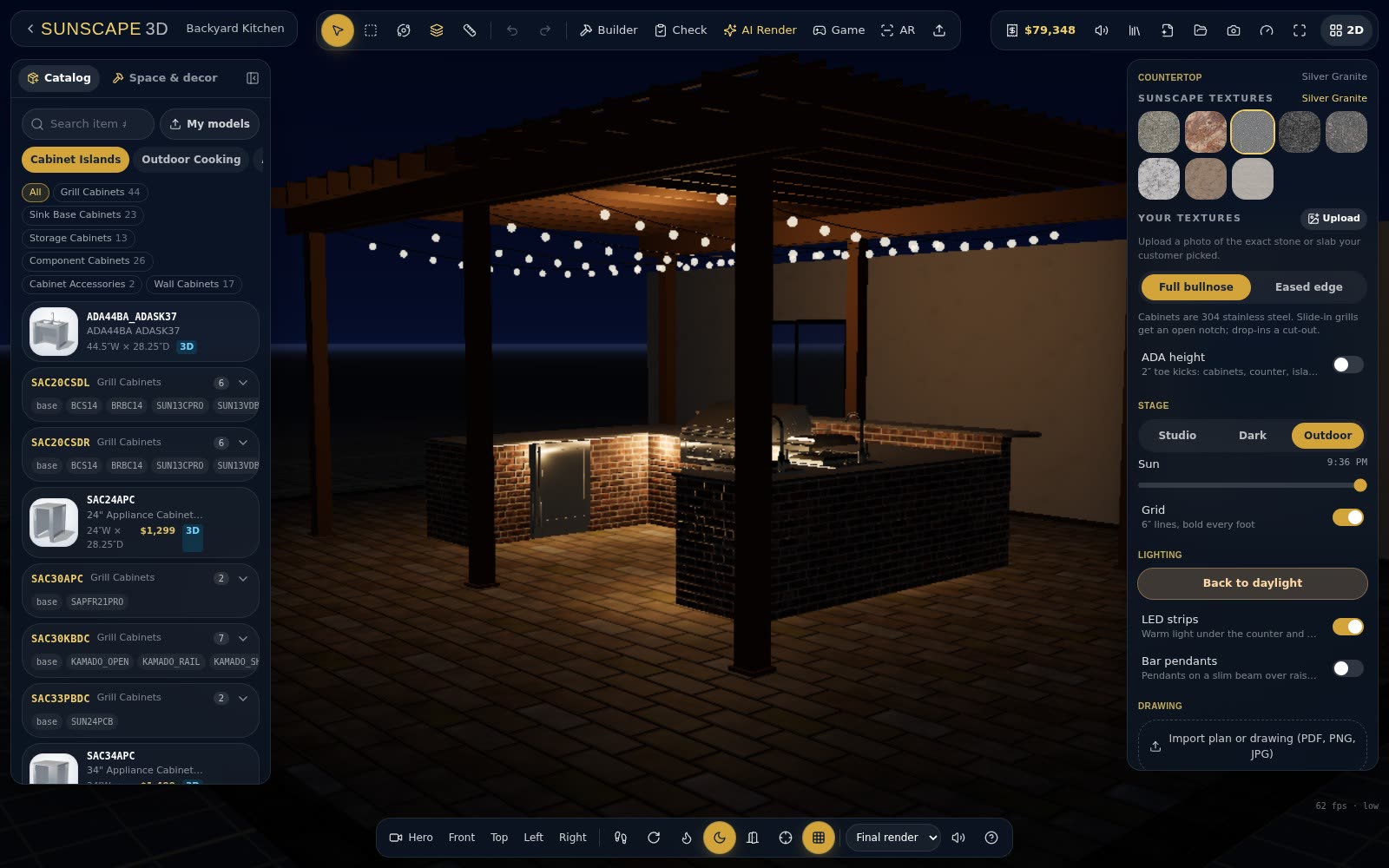
Night view: see the lighting before the first evening on the patio
Move the sun to dusk and watch LED strips, pendants, hood lights and fire features come on — the view that sells an outdoor kitchen.
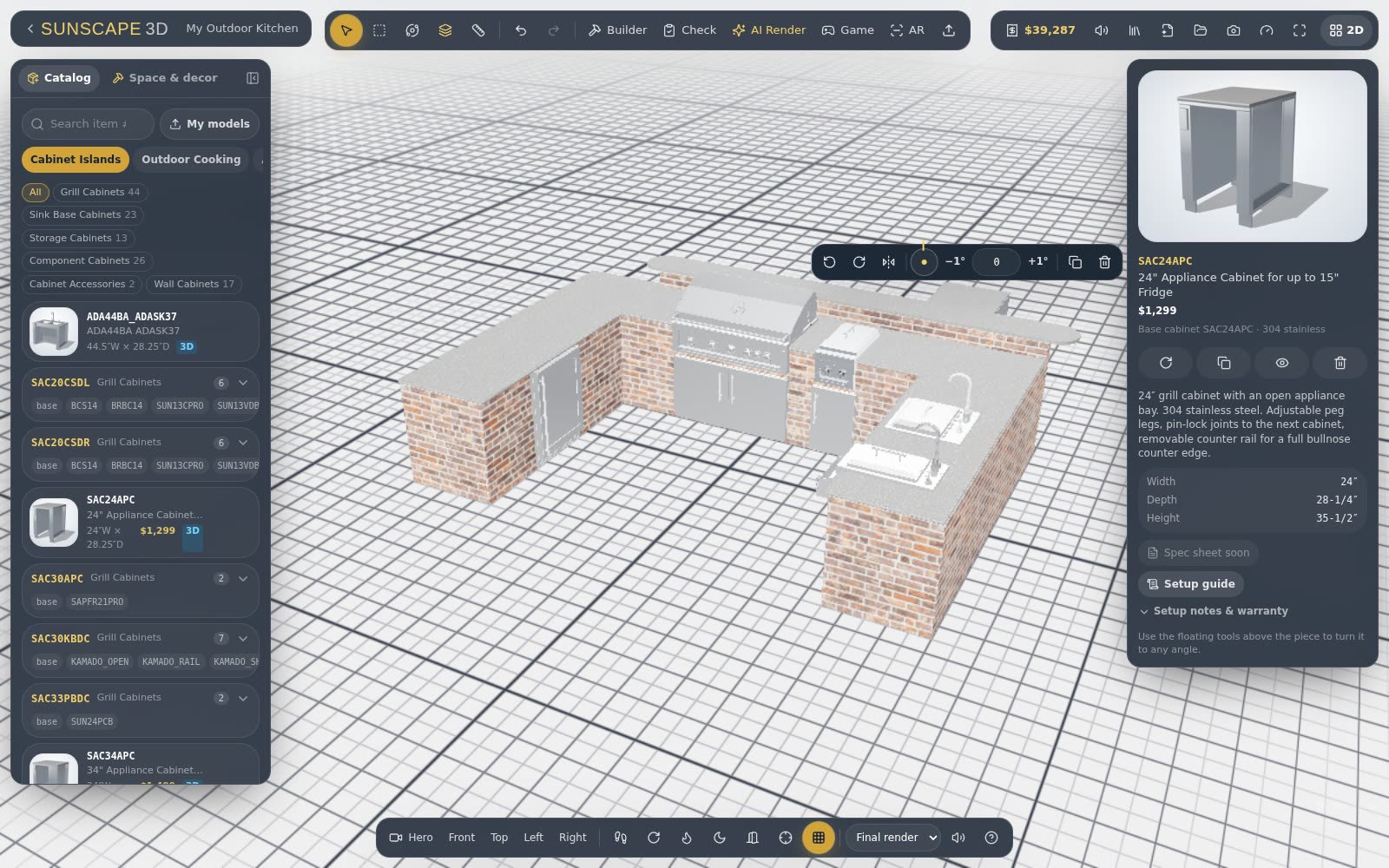
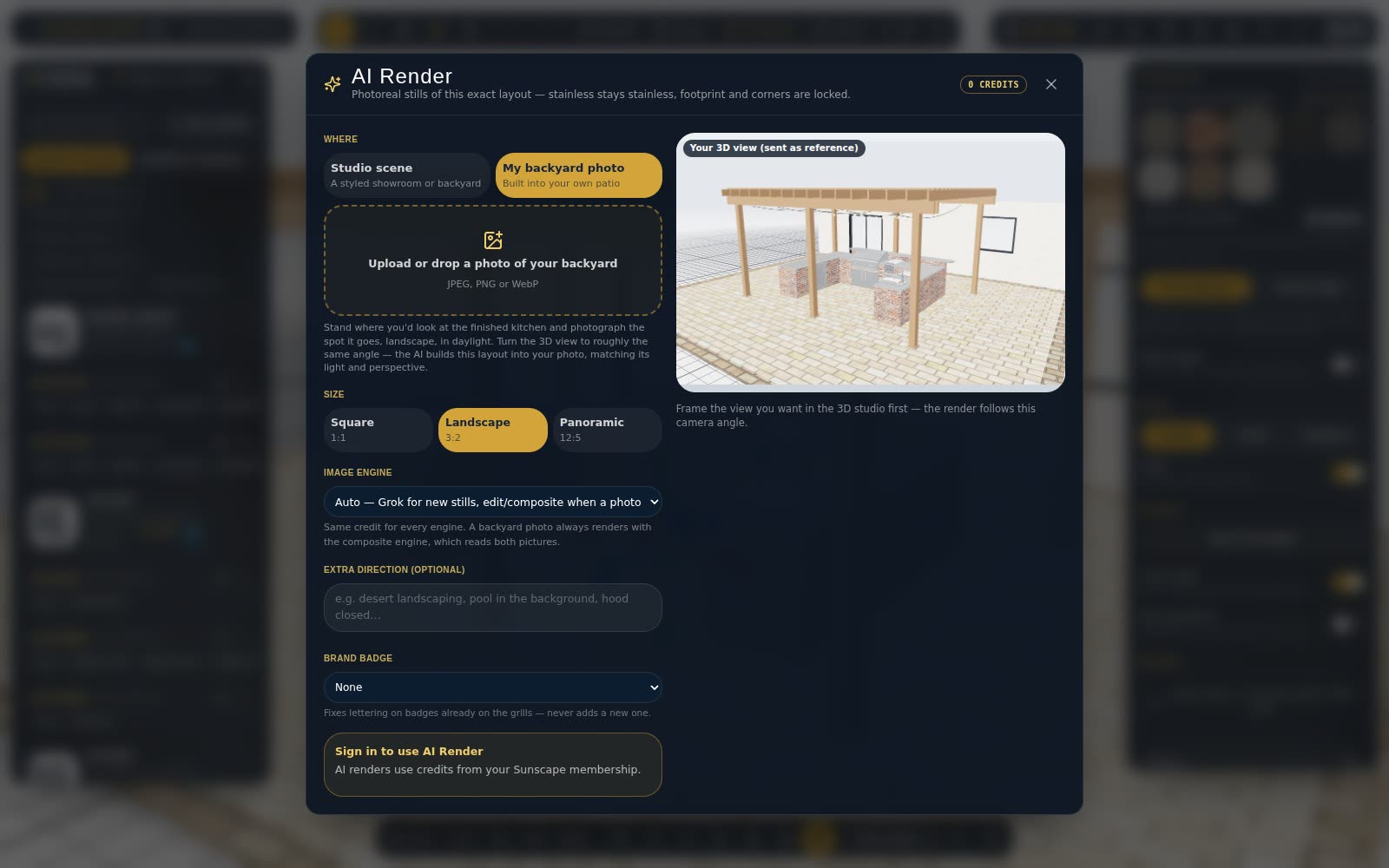
AI Render: a photo-style picture of the kitchen you designed
Turn your layout into a realistic picture — in a studio setting, at dusk, or placed into a photo of your own backyard.
Build on your drawing: import a plan and trace it to scale
Bring in a site plan or an architect's drawing as a picture or PDF, set its scale with two clicks, and design right on top of it.
The Island Builder: a whole outdoor kitchen island in a few clicks
Pick a shape, a base and the appliances, and the Island Builder lays out the whole island — with framing, vents and cut-outs handled for you.
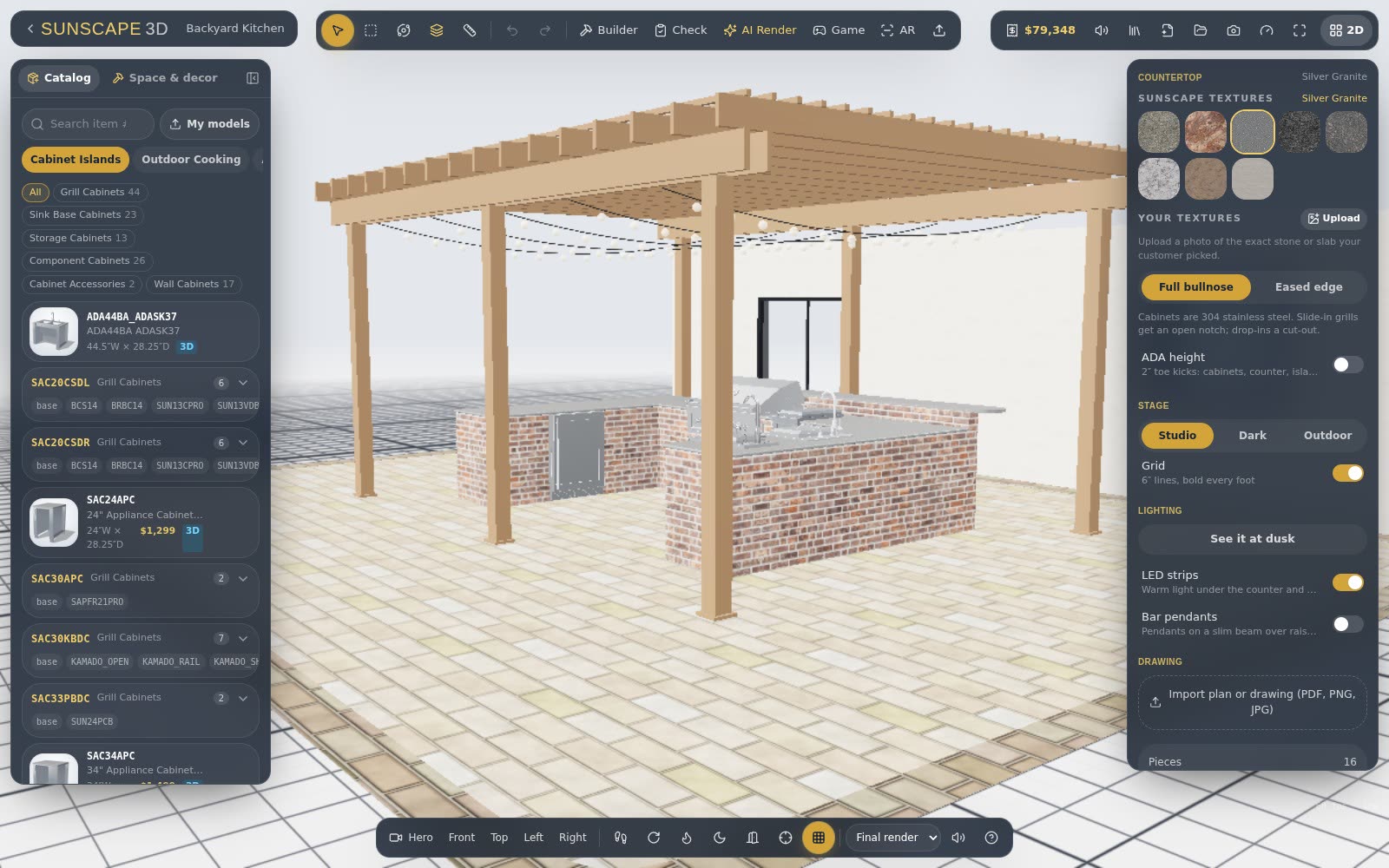
See your outdoor kitchen in 3D before it's built
Switch any 2D plan into the 3D configurator to walk around it, open the doors, light the grills and see it at night.
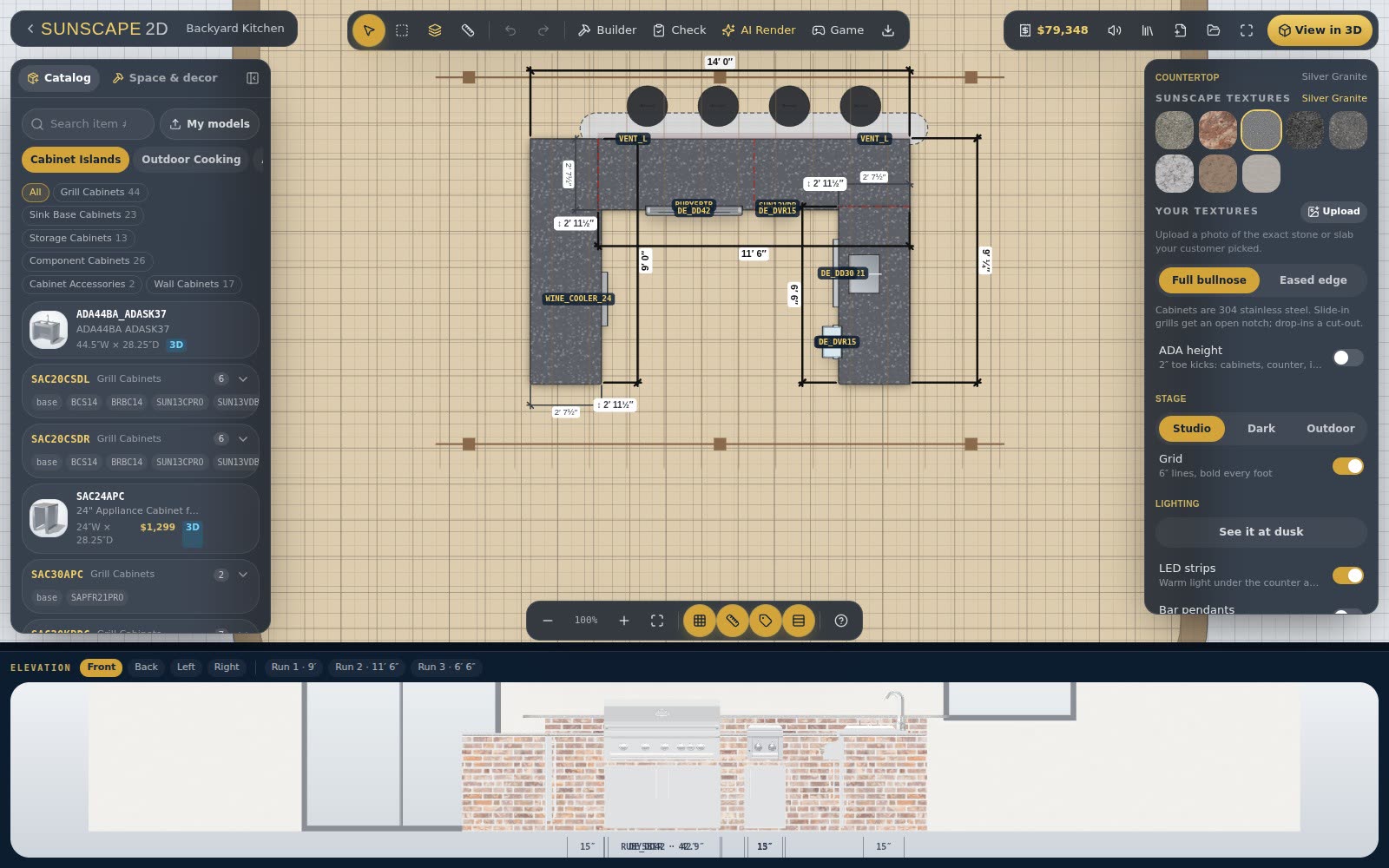
Plan an outdoor kitchen in 2D with real products at real sizes
The 2D Layout planner is where most kitchens start: drag real cabinets onto the plan, see them snap together, and get a running estimate.
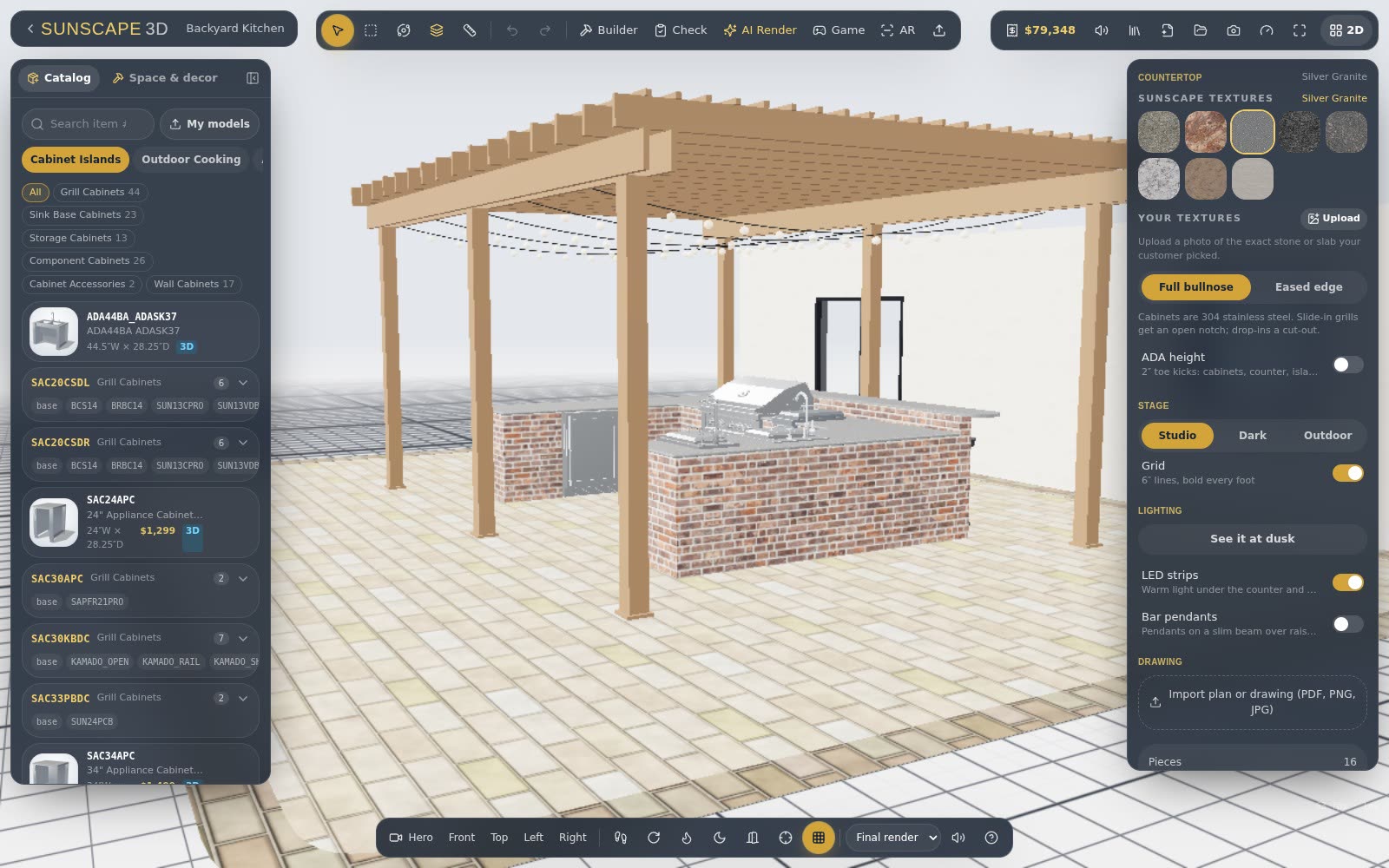
What's new in Sunscape: customer view links, a cleaner planner and clearer plans
Send a customer the whole kitchen in 3D to rearrange and save, bring your plan drawing along on every link, and see exactly what each plan unlocks.