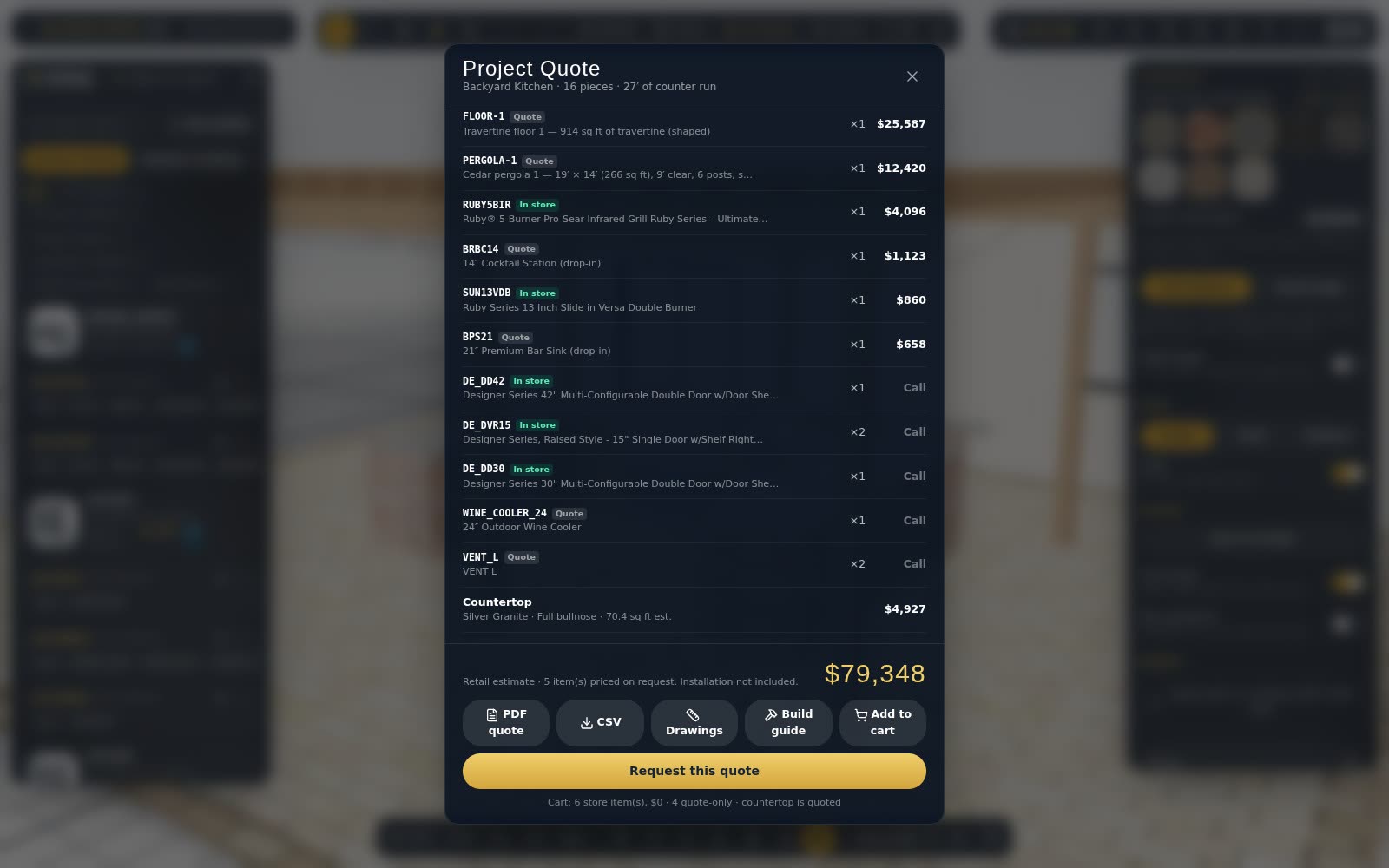
"Looks good" over the phone isn't an approval. Approval links give you a clear yes on a specific version of the design.
Send for approval
From Designs → Send for approval, add the customer's name and a note, and copy the link.
Review with options
Your customer opens the design in 3D. If you made design options — say, with and without a pizza oven — they flip between them. They can tap any piece to comment on it, or comment on the whole design.
Approve and lock
When they tap Approve, the chosen version is saved and locked. You order that version, or edit a copy, which needs approving again. You see the approval in your inbox.
Approval links come with the Designer and Professional plans.