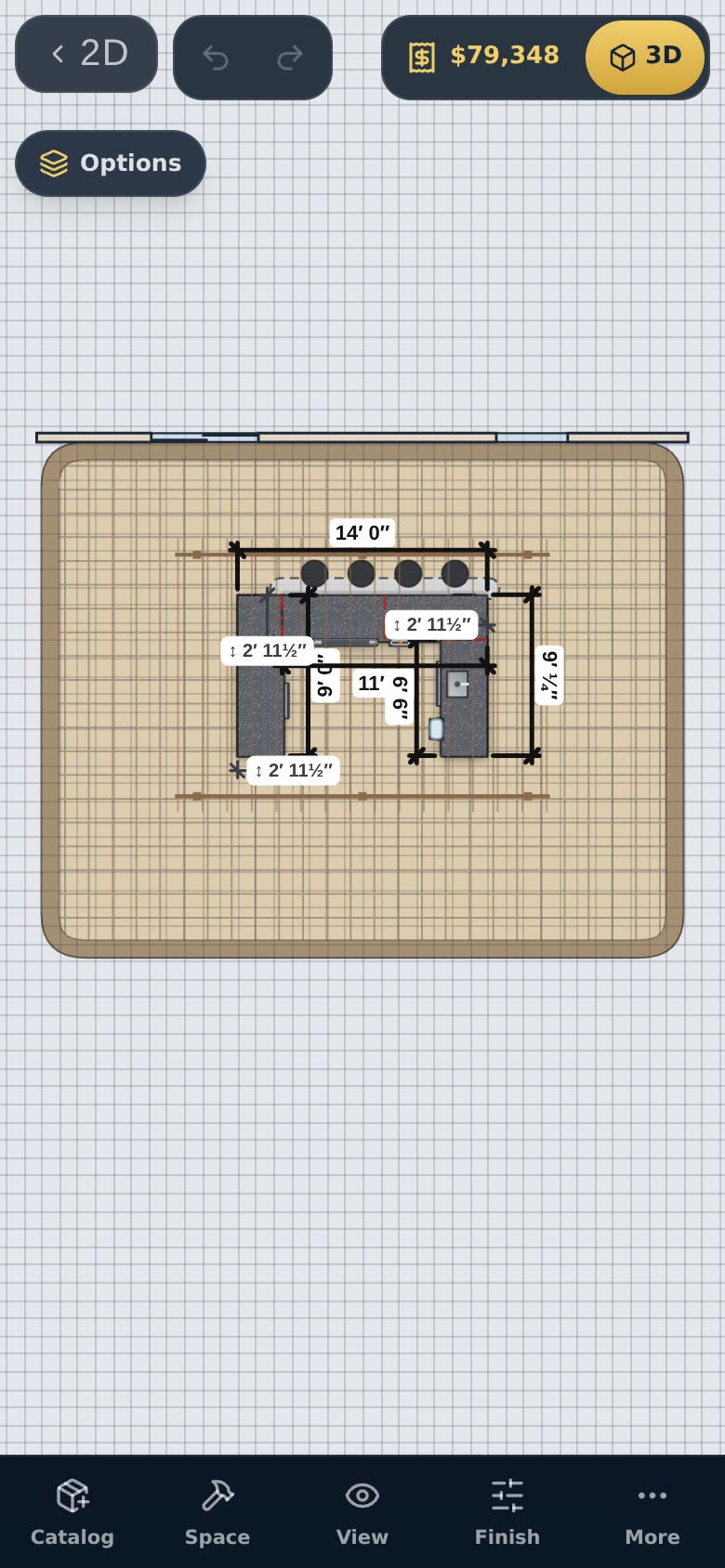
Customers often want to try a different arrangement themselves. Customer view links let them do that without a login and without touching your design.
Make the link
Open Designs and go to Customer view link. Add the customer's name and an optional note, set what they see, and press Get a customer view link. The link is copied, ready to text or email.
What your customer can do
- Drag pieces to move them, and turn them
- Reshape a masonry, stud or steel-frame island by dragging its ends, and add a raised bar or round end
- Undo, and switch between day and night
- Save their changes — each save is a new version
You decide whether they also get measurements, camera angles, fire, saving pictures, changing the countertop and island finishes, and the catalog.
Prices your way
Show the estimate or hide it. Add a percentage to products, cabinets, countertops, or masonry, stud and welded-frame islands — separately, because builders price them differently.
Open their changes
Every link you've sent is listed with its saved versions and who saved them. Open any version — or your original — back in the full configurator. Your plan drawing goes along on the link, at its true size.
Customer view links come with the Designer and Professional plans.