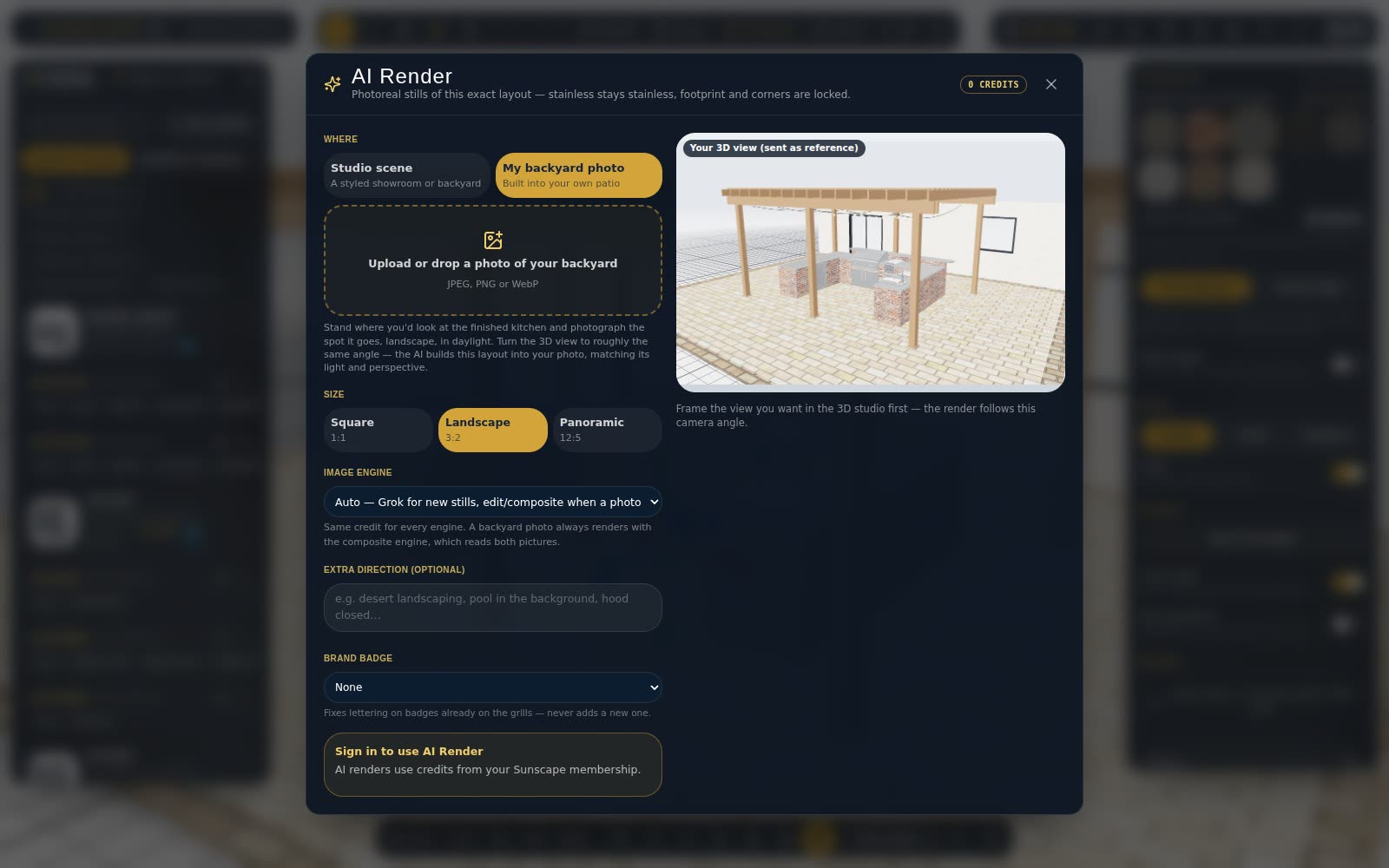
A 3D view is accurate. A photograph is persuasive. AI Render gives you a photo-style picture of your exact layout to put in front of a customer.
How it works
Open AI Render from the toolbar in 2D or 3D. Sunscape sends your layout — the products, their positions, the countertop and island finishes — and returns a realistic picture that follows the design.
Choose the scene
Pick a setting and time of day: a clean studio, a backyard in daylight, or dusk with the lights on. Attach a photo of the customer's own patio and the kitchen is placed into it.
Pick the engine
Auto picks the best engine for each picture. You can choose Studio for detailed stills, Studio Fast for quick drafts, Restyle to change the light or finish on an existing photo, or Composite to put the kitchen into your photo.
Credits
Each picture uses AI credits. Designer includes 25 a month and Professional 100; you can add more with a credit pack. Renders are saved to your library so you can use them in quotes and share them.
AI pictures are illustrations of a design — check sizes and details against the plan before building.