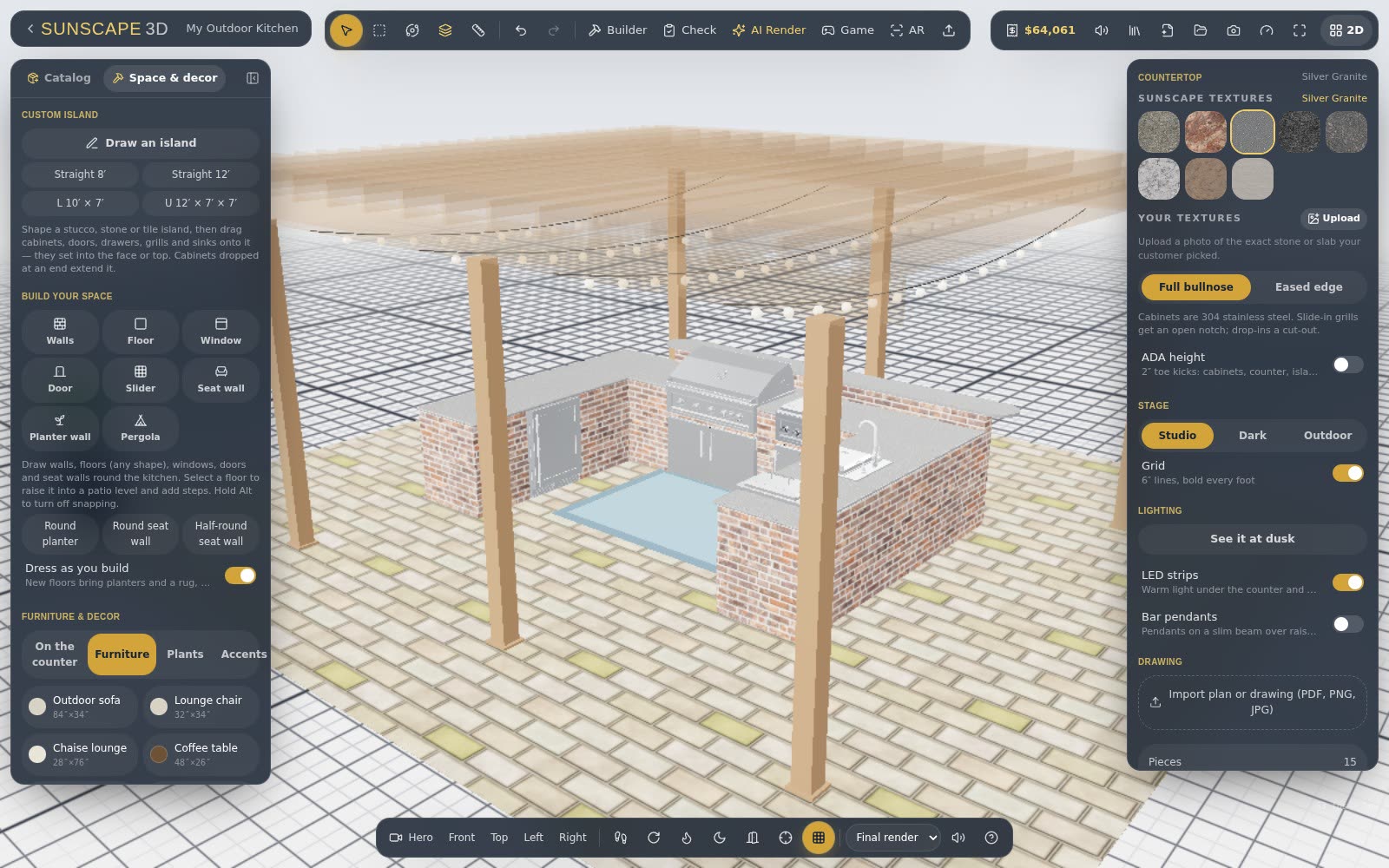
If you already have a plan — from an architect, a landscape designer or your own measurements — you don't have to start from a blank grid.
Import the drawing
In the panel on the right, open Drawing and choose Import plan or drawing. Pictures (PNG, JPG) and PDFs both work; a PDF's first page is used.
Set the scale
Click Set scale, then click both ends of a line whose length you know — a wall, or a dimension written on the drawing — and type the length. The drawing resizes to its true size. For the best accuracy, use the longest dimension you can find.
Trace the island
From the Island Builder, choose Build on my drawing. Click the island's back corners on the drawing, then pick its type and appliances. The island goes exactly where you traced it.
Keep it in place
Lock the drawing so it doesn't move while you work, fade it, or hide it. It also goes along when you share a link, so your customer sees the design on the same plan.
Tip: the Sketch board is another way in — draw the patio to exact measurements on graph paper, then send it to 2D and 3D.