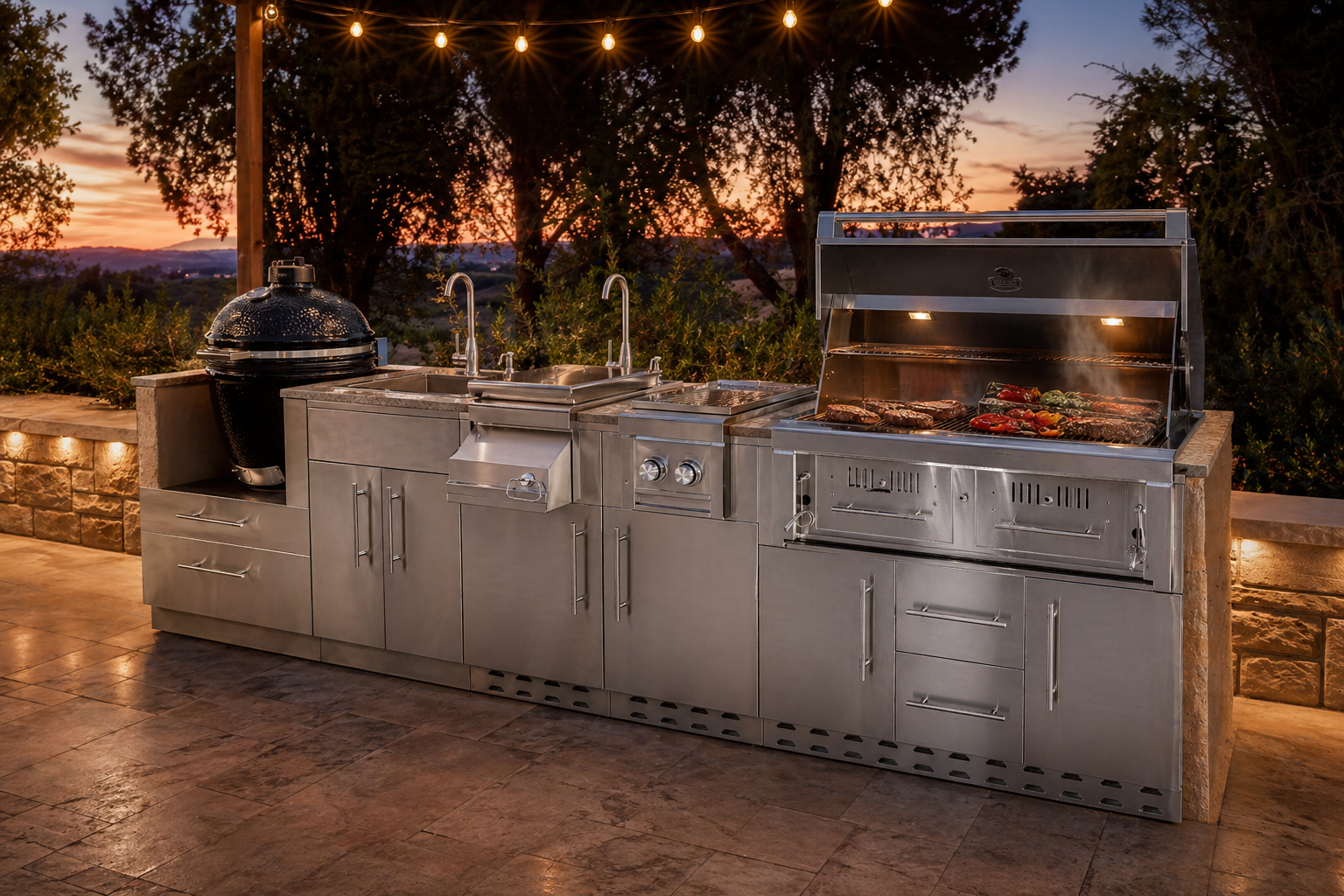
See the kitchen in the space it has to live in.
Place cabinets, grills, appliances, furniture, lighting, and landscape in a working 3D scene. Orbit, snap, and measure until the outdoor room feels finished. 3D Design is a Designer subscription — it has a real learning curve, so it is not the free tool.
Built for the decision in front of you.
Place cabinets, grills, appliances, furniture, lighting, and landscape in a working 3D scene. Orbit, snap, and measure until the outdoor room feels finished. 3D Design is a Designer subscription — it has a real learning curve, so it is not the free tool.
- Best for
- Space, materials, and presentation
- Access
- Designer or Professional
- Free tool
- 2D Layout stays open to everyone
- AI stills
- Credits on Designer or Professional
Full outdoor room
Cabinets are only the start — add grills, seating, lighting, planters, and patio pieces around the island.
Snap and measure
Bounding boxes, snapping, rotation, and dimension tools keep the scene as precise as the 2D plan behind it.
Materials and light
Change finishes, textures, and lighting so stainless, stone, and night scenes read the way they will on site.
Environment tools
Build the patio context — not just a floating island — so the presentation matches the yard you are selling.
Presentation views
Orbit and frame the scene for a client walkthrough. Photoreal AI stills unlock with an account and credits.
From plan to picture
Use a 2D layout as the measured guide, then refine appliance placement and atmosphere in 3D.
Start fast. Decide with the plan in front of you.
- 01
Place the island
Drop catalog modules into the scene and snap them into a run that matches the measured plan.
- 02
Build the surroundings
Add furniture, lighting, landscape, and materials until the outdoor room feels complete.
- 03
Present on Designer
Orbit the camera for the story. Designer (or Professional) unlocks this tool; then save, send, or generate AI stills with your monthly credits.
Kitchens already planned here.
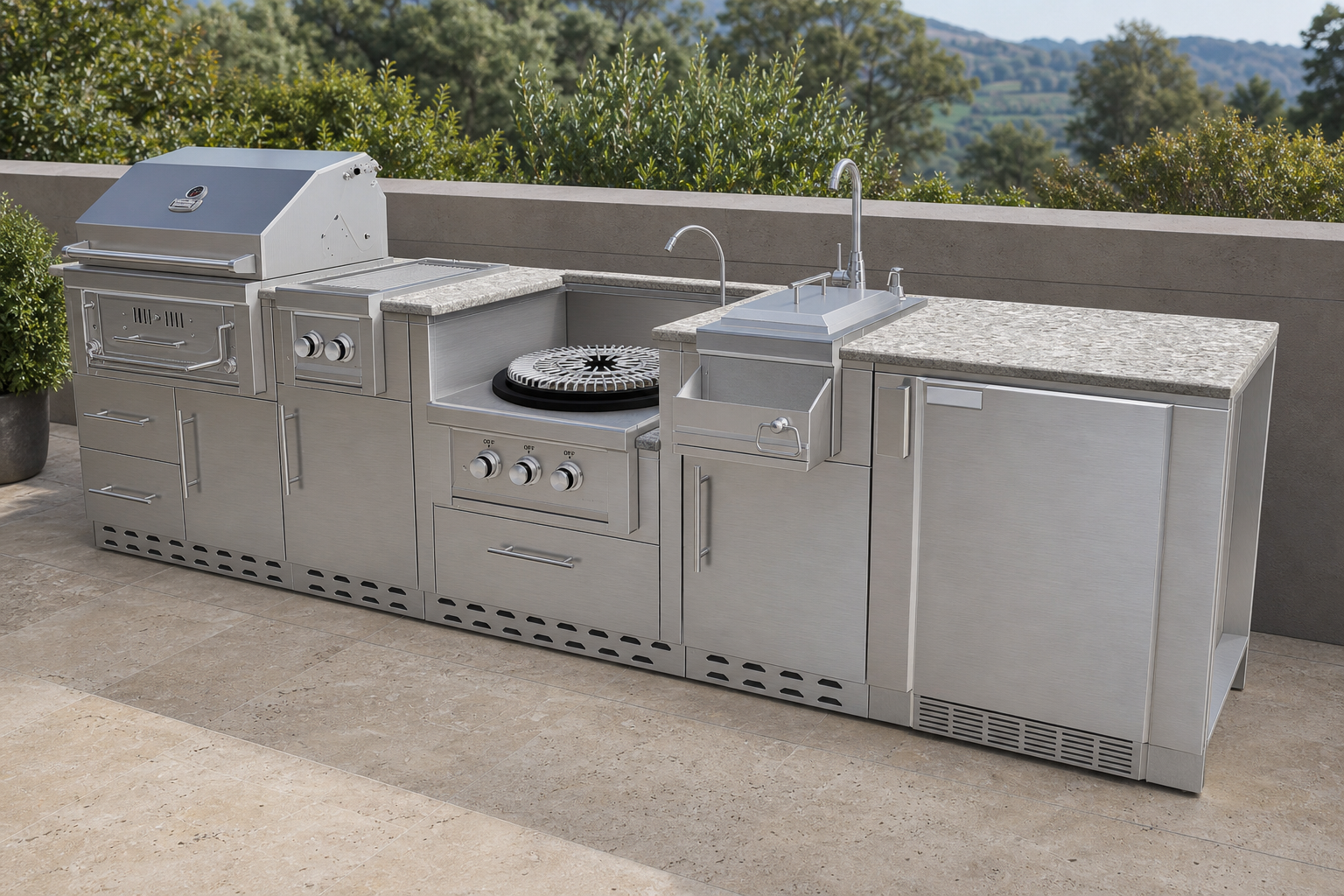
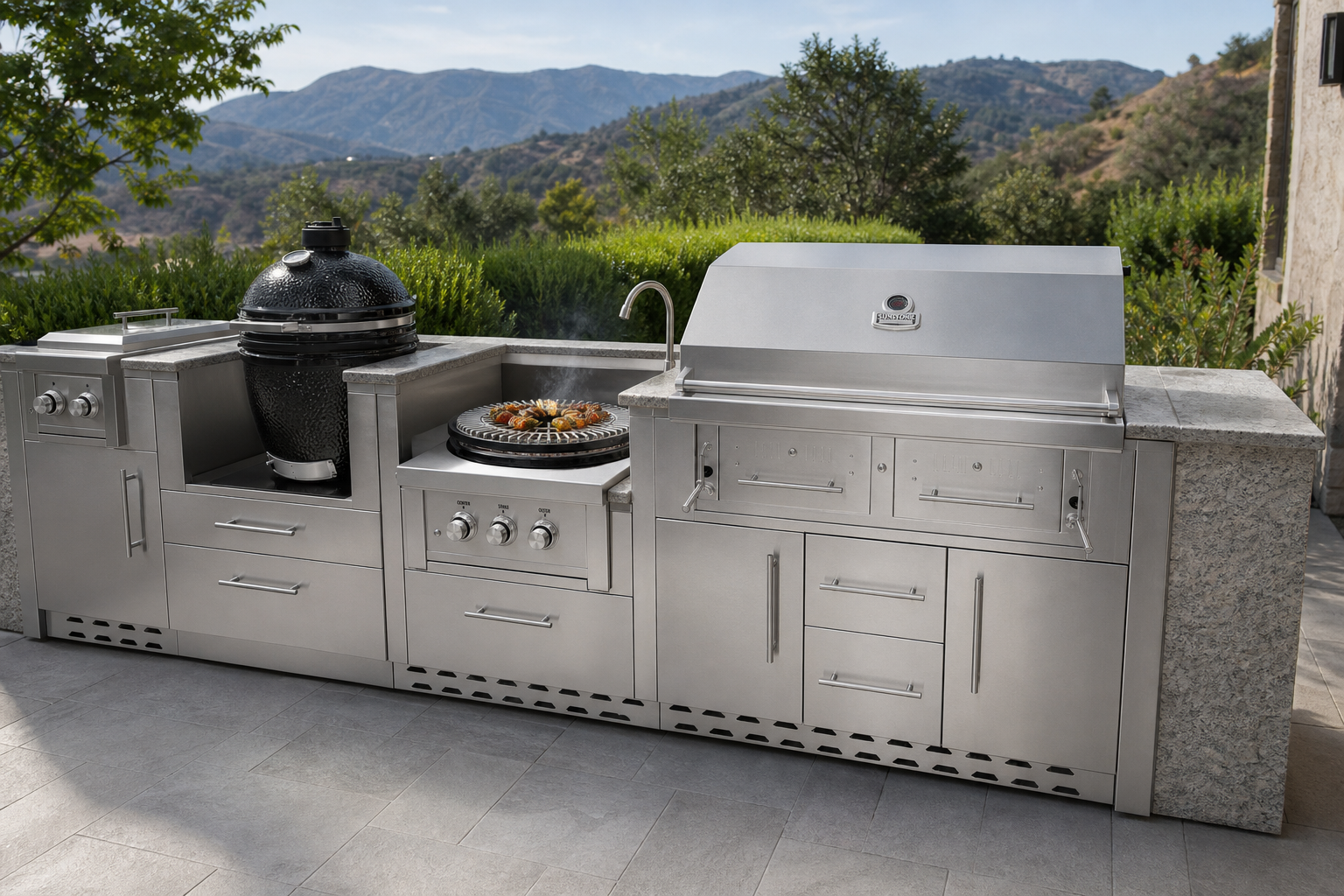
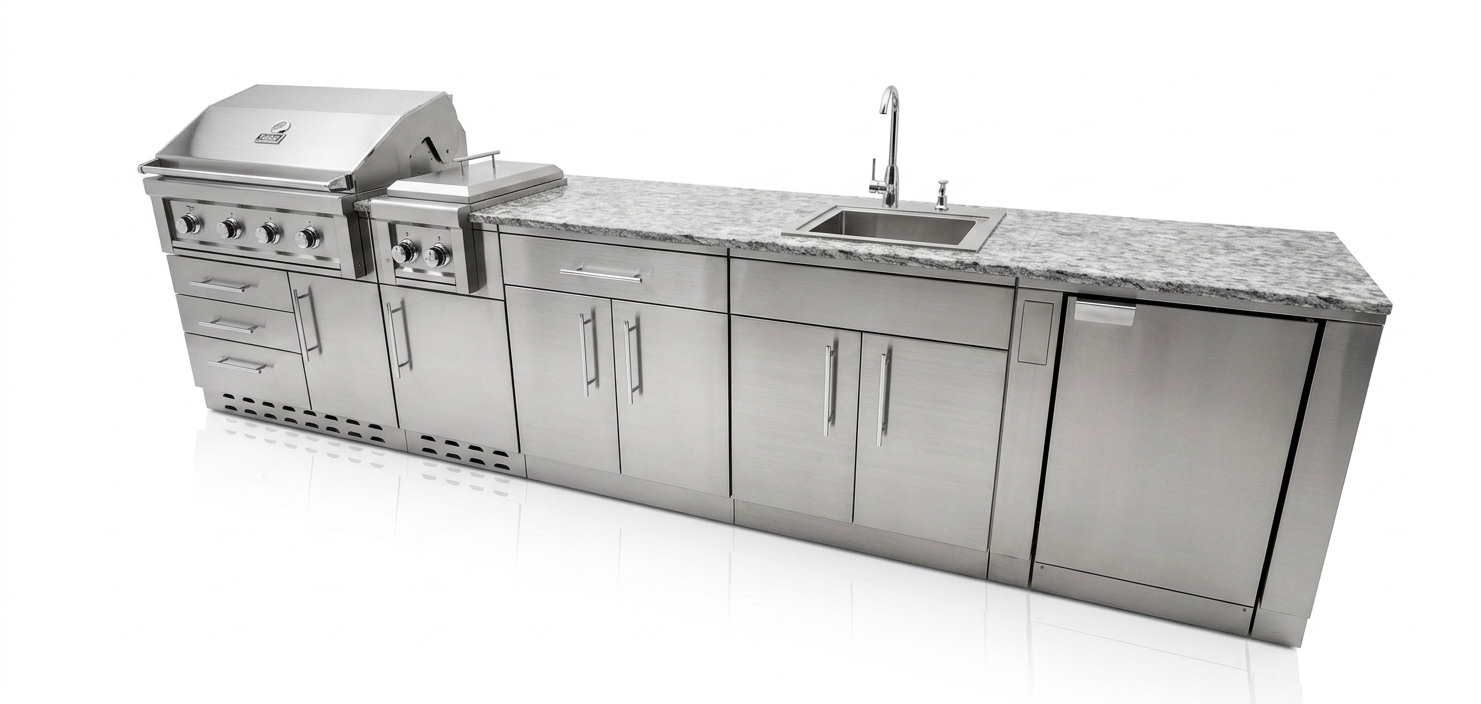
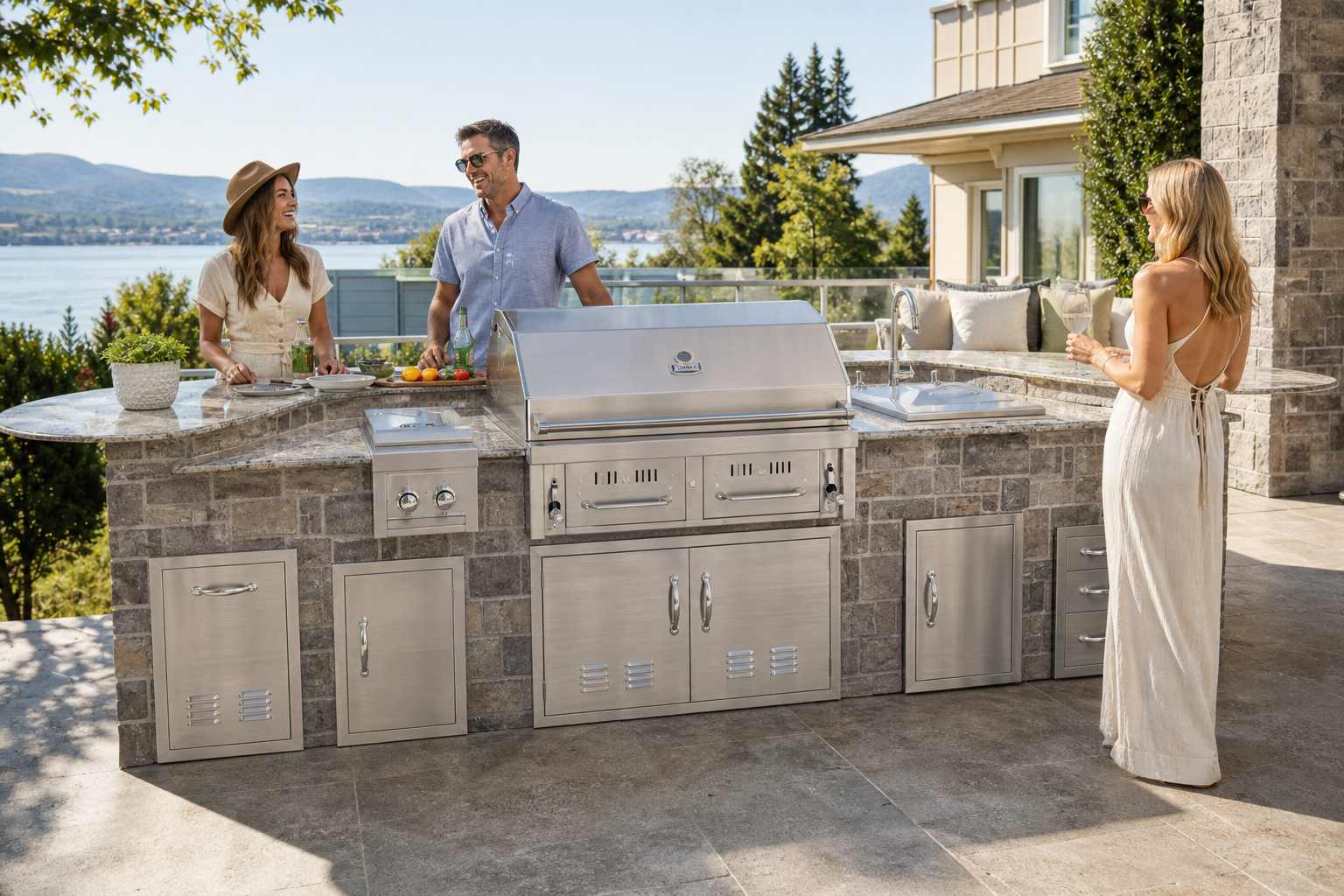
3D Design unlocks on Designer.
The 3D kitchen designer is a paid tool on Designer and Professional. 2D Layout stays free. Subscribe, then name a scene and step into the kitchen.
- Designer ($49/mo) or Professional required
- 2D Layout stays free for everyone
- 3D has a learning curve — that is why it is paid
Subscribe to Designer, then open 3D.
3D Design is not a guest sandbox. Snapping, materials, lighting, and environment take a little learning — that is why Designer ($49/month) and Professional unlock it. 2D Layout remains the free planner.