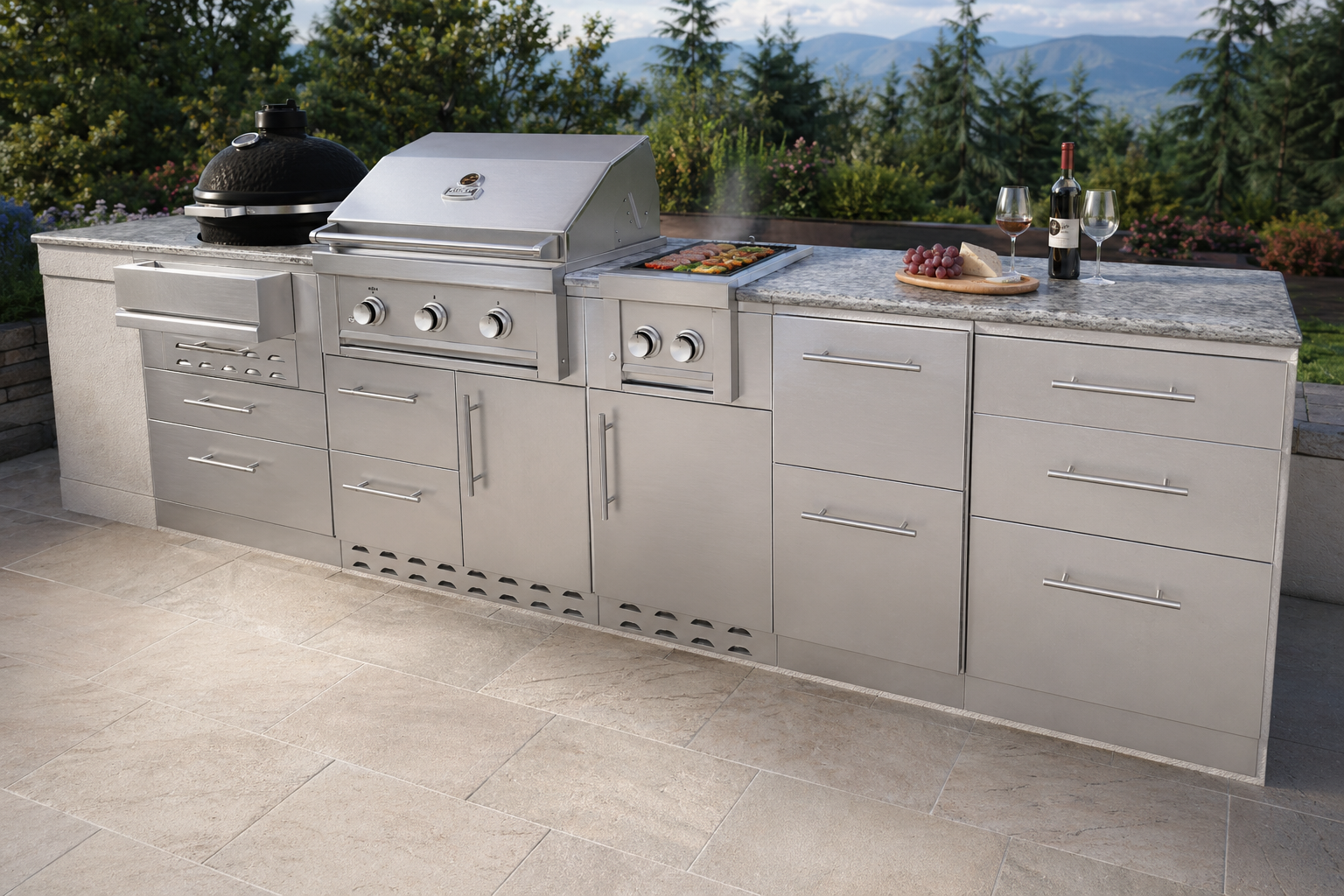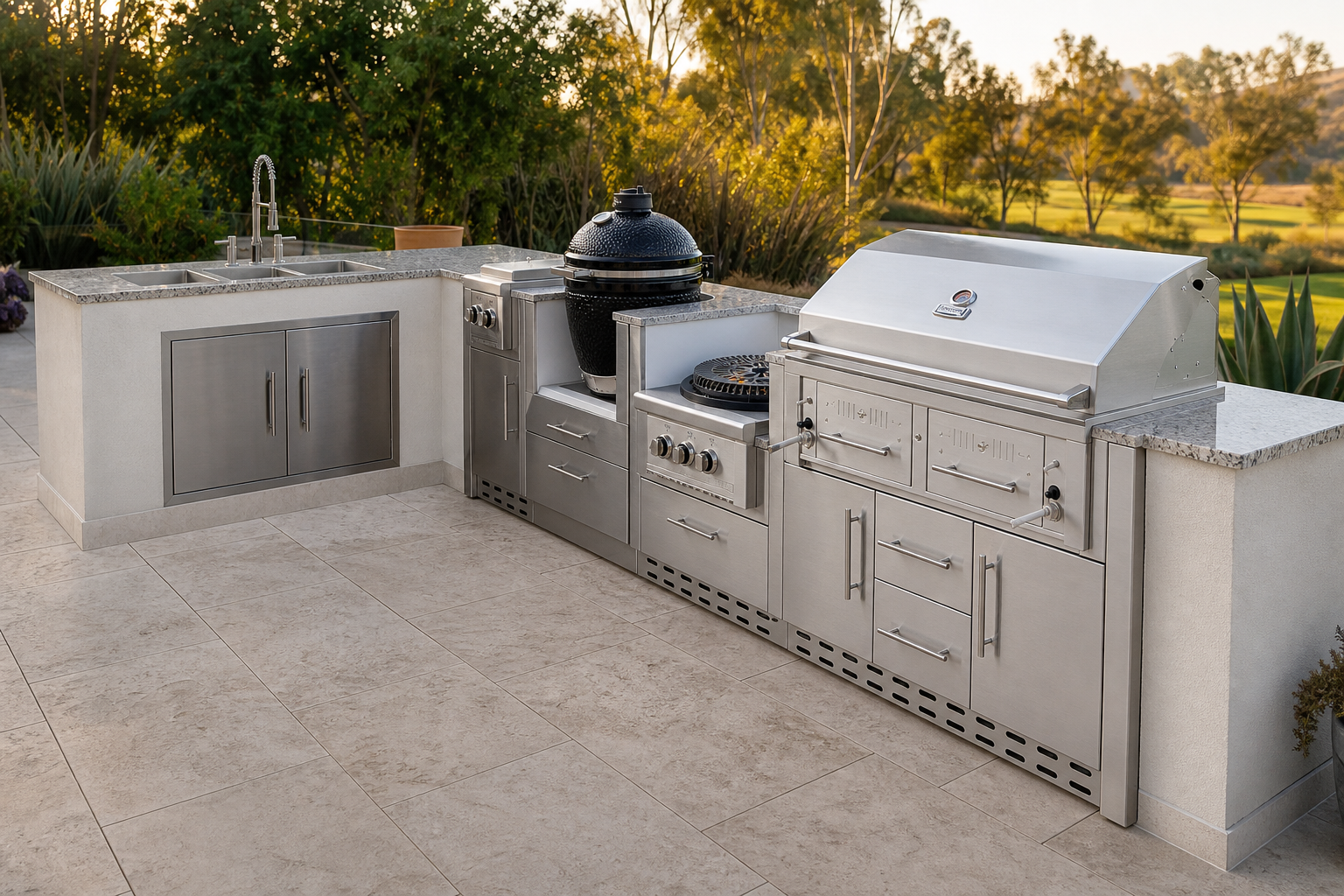
Most galleries are wallpaper. Sunscape’s is a launch pad, but only for kitchens we can actually start. Straight, L, and V perspectives open in 2D Layout. The U-shape kitchen is wired to 3D Design, which requires Designer. Grill stations, studio lighting, and catalog islands display without a load-in until those source files are wired.
2D: sign in on any plan, or leave your details first, then the layout loads. 3D: if Designer is on, the button opens the tool. If not, it sends you to the 3D landing instead of a sandbox form.
One configurator per perspective
2D load-ins are the measured islands we have starting shapes for: straight, L, and V. They belong on the module grid, where widths and list prices still matter.
3D load-in is the U-shape kitchen, which opens the island designer on that geometry. Catalog photos and lifestyle shots stay in the grid as reference. When source filenames line up across both tools later, a card can load into either — not yet.
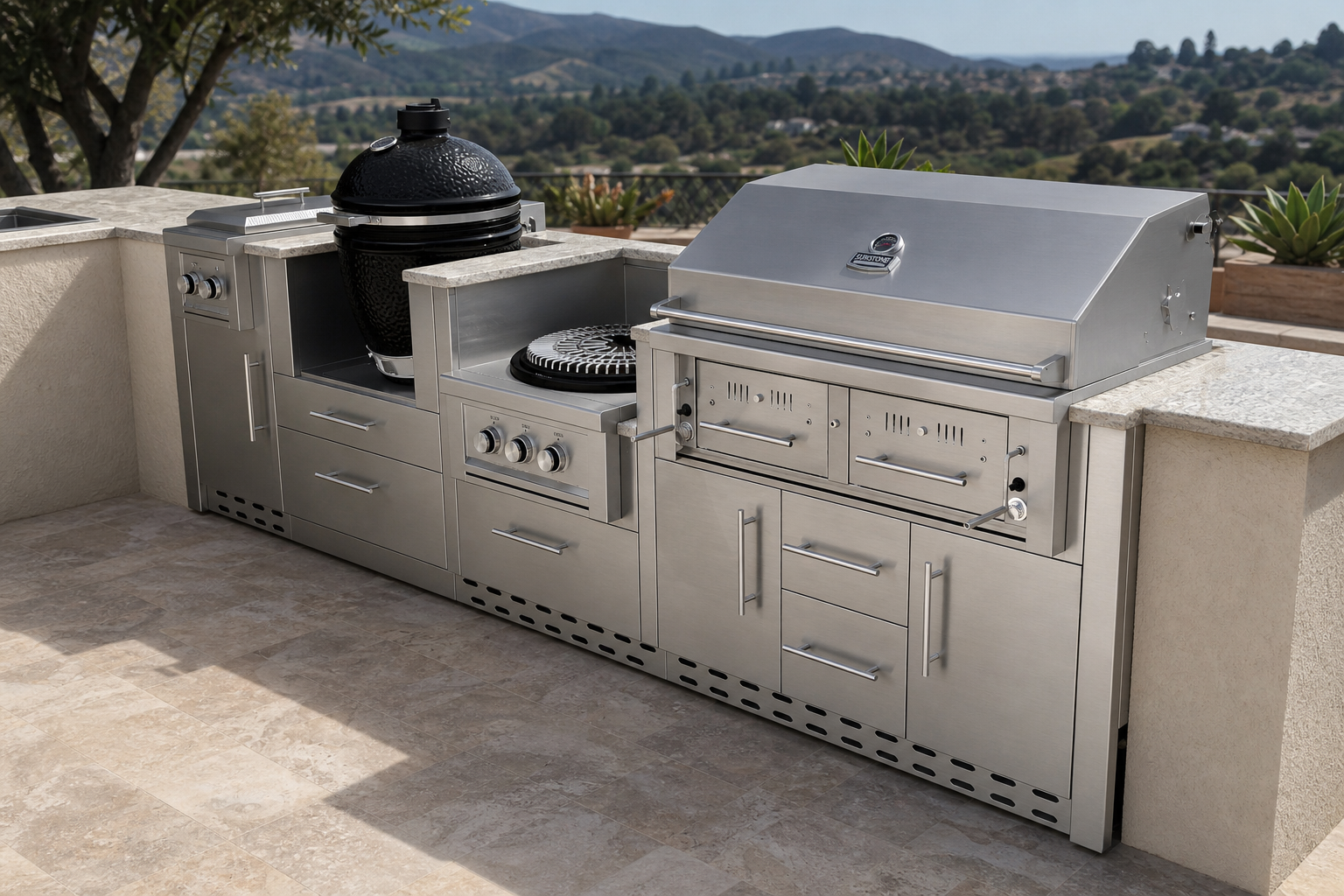
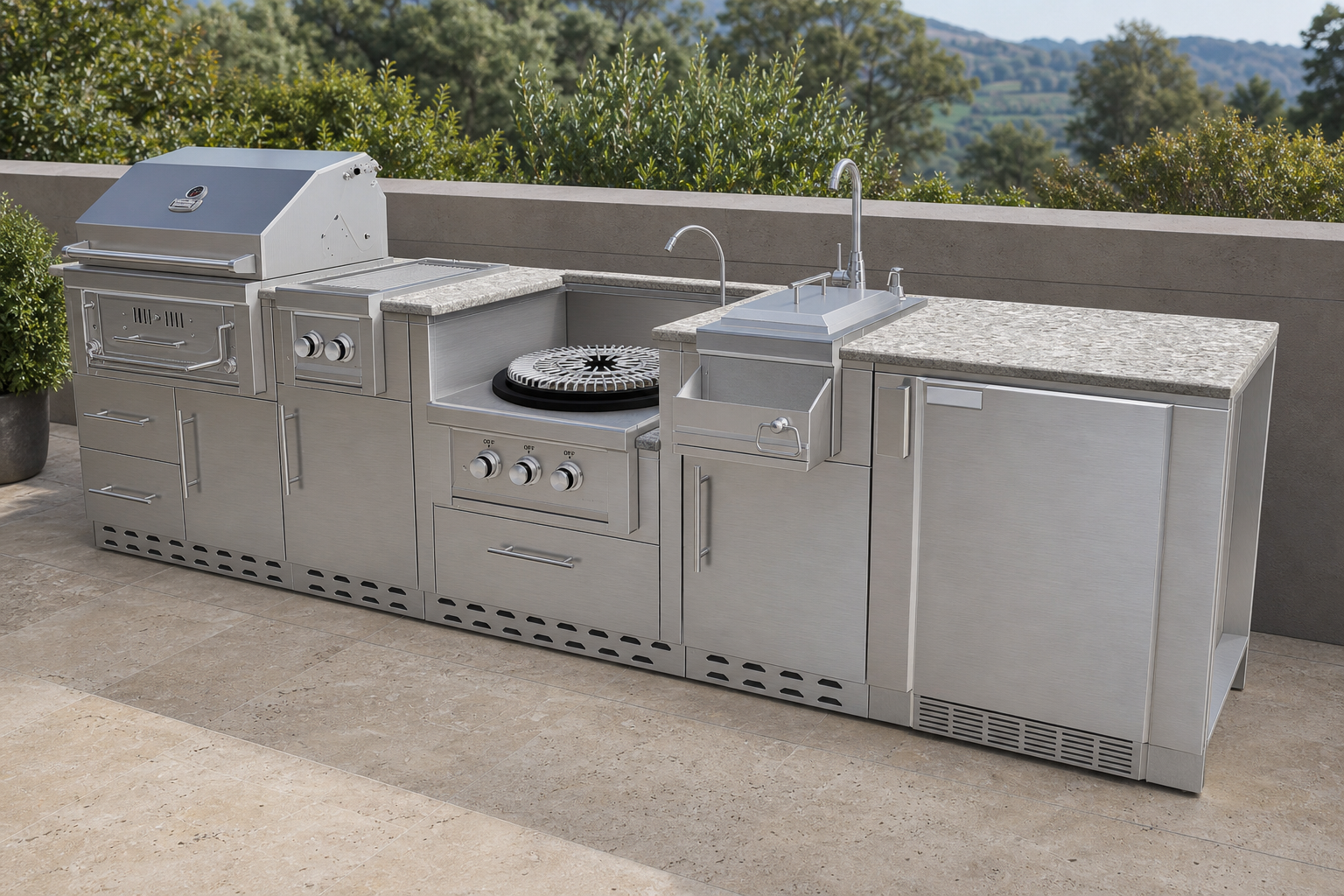
Sign in, or leave your details
A registered member on any subscription can click Open and land in the linked configurator. Visitors get the same name / email / project form used at the bottom of the 2D and 3D landing pages. Submit it, then the layout loads.
The gallery hero still offers Start in 2D and Explore in 3D if you want the full briefing first. Catalog photos without a wired perspective have no button — looking is enough until those files are configured.
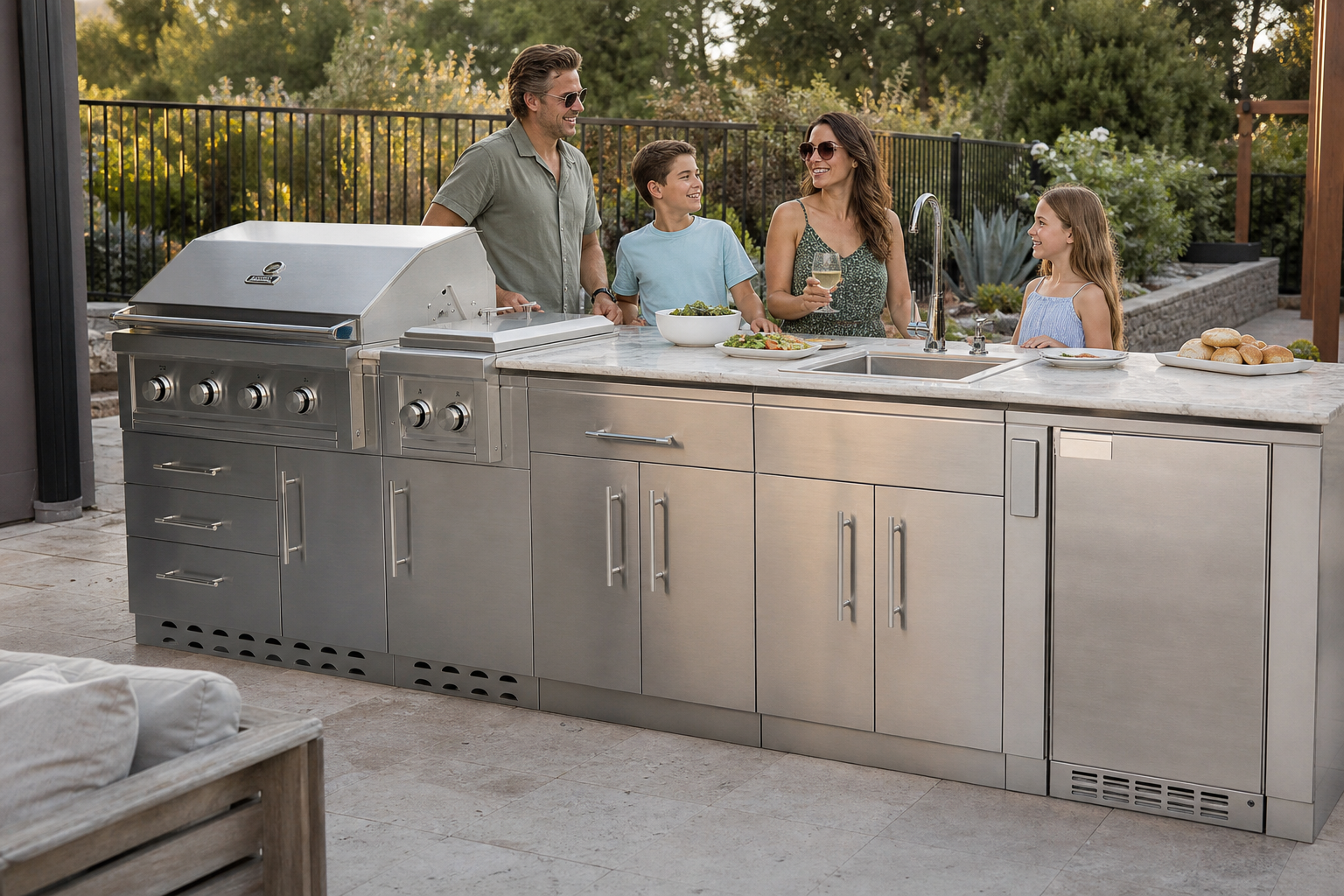
The gallery is a set of keys. A card only opens the configurator it is actually built for.